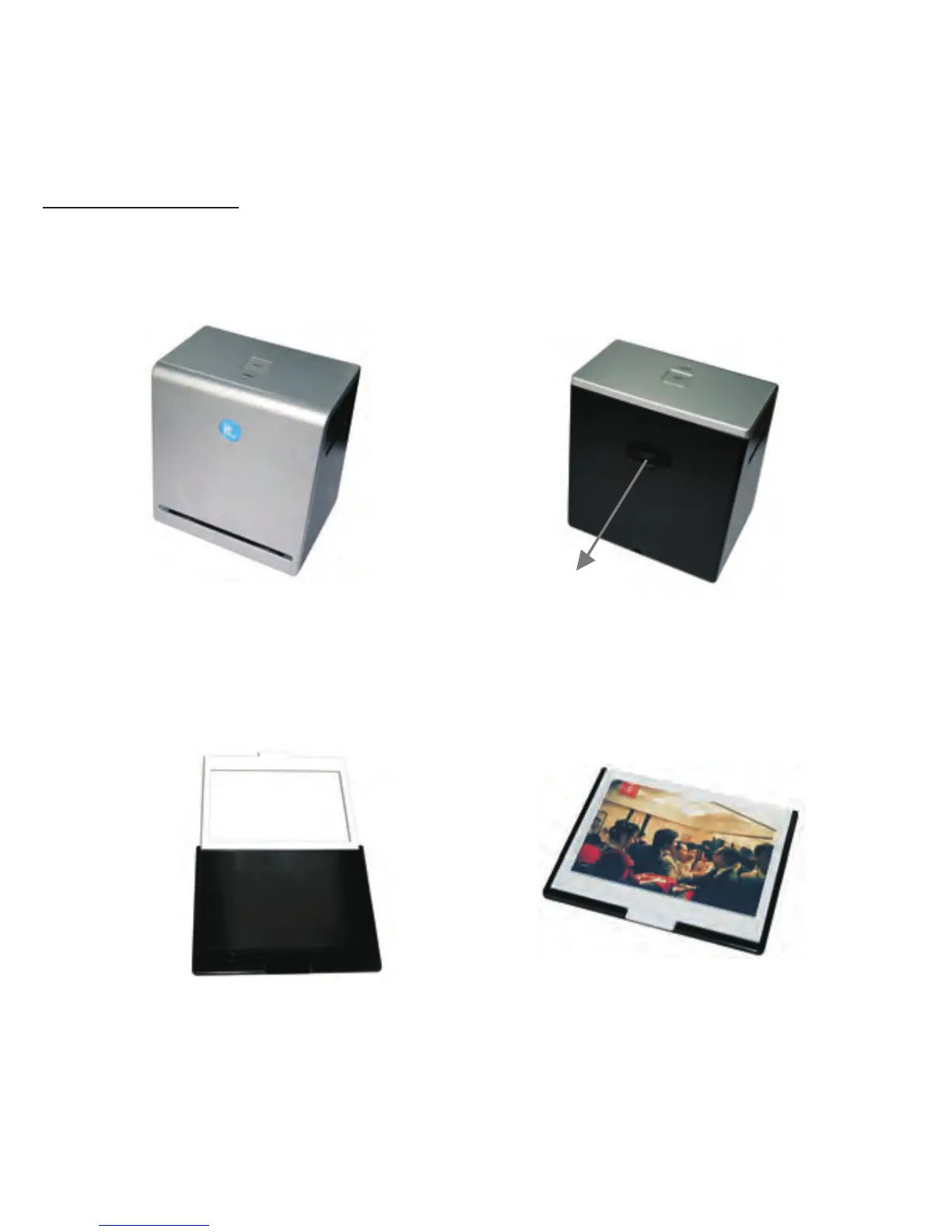
Scanning Photo
1. Remove the film / slide holder as well as the back-light holder from the
ITNS-500 unit if either one is attached.
Remove film /slide holder by sliding
the holder to the left hand side.
Remove back-light holder by pressing
down the handle and pulling it out.
2.Open the photo holder as illustrated, please place the photo on the base
of the photo holder and close the photo holder.
-15-


 To Next Page