V. Cleaning the ITNS-500
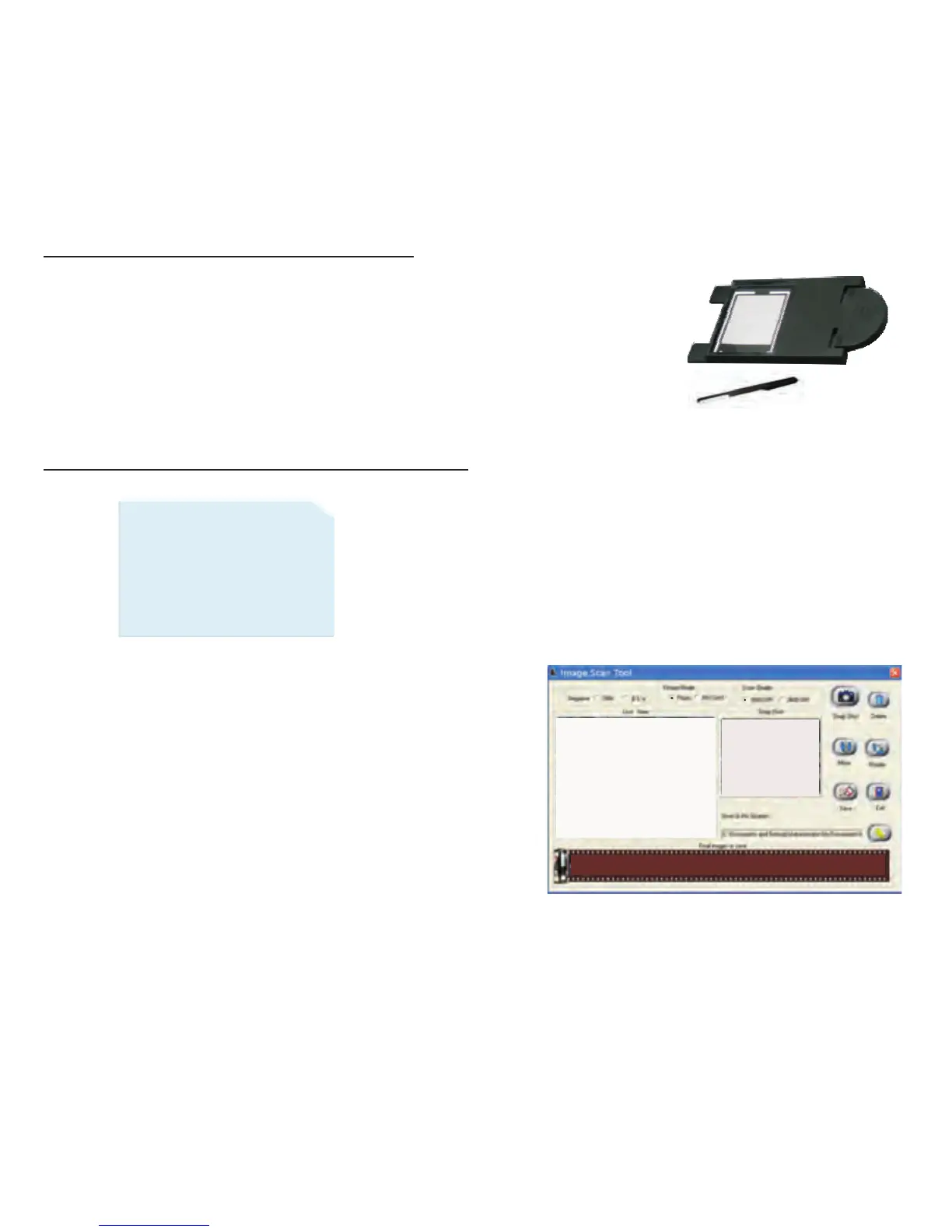
Detach the backlight holder from the ITNS-500 unit.
Using the provided clean brush or a clean, dry,
nonalcohol cotton swab to clean the glass surface
periodically to produce a clear image during operation.
Cleaning the backlight holder
Cleaning the business card fixture
Using the provided clean brush or a clean,
dry, non-alcohol cotton swab to clean the
surface of the business card holder
periodically to produce a clear image during
operation.
You can double check the result of cleaning
by removing the film holder from the
device and insert the cleaned back-light
holder back into the unit. When you
haven't noticed any dust in the live view
window that means you can stop cleaning.
Caution
The back-light holder should be handled with extra care to avoid any
scratching the glass surface in order to maintain the quality of scanned image.
-29-


 To Next Page