-17-
Scanning Business Card
1. Follow Step 1 from Scanning Photo to remove Film/Slide holder as well
as back-light holder in the previous pages.
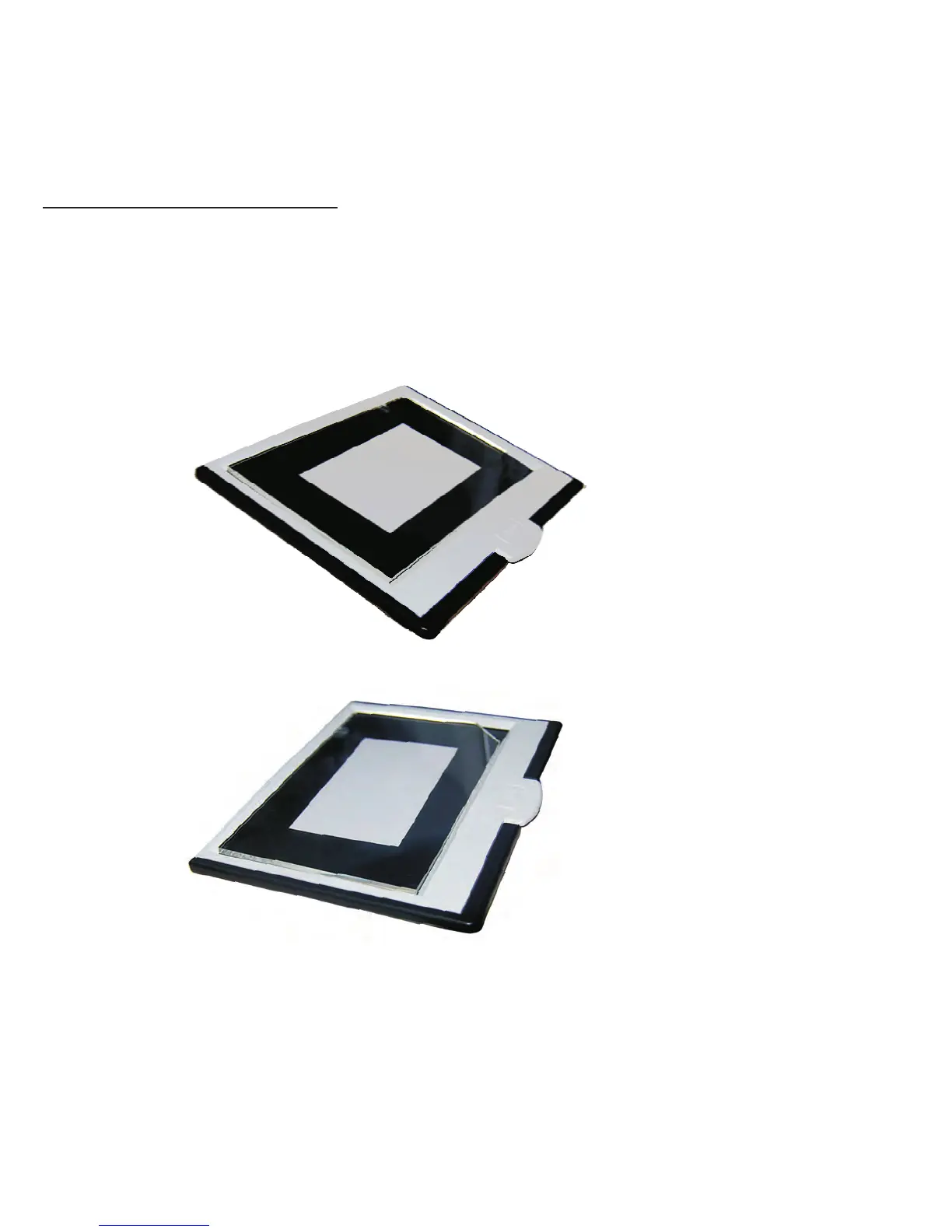
2.Close the photo holder and Place the business card on the base of the
photo holder following the engraved guide line on the holder.
3.Put the Business Card fixture on the top of Photo Holder.
4.Insert the entire photo holder with the business card fixture into the
photo slot of the ITNS-500 unit,and select "BizCard" mode from the "Image
Scan Tool".


 To Next Page