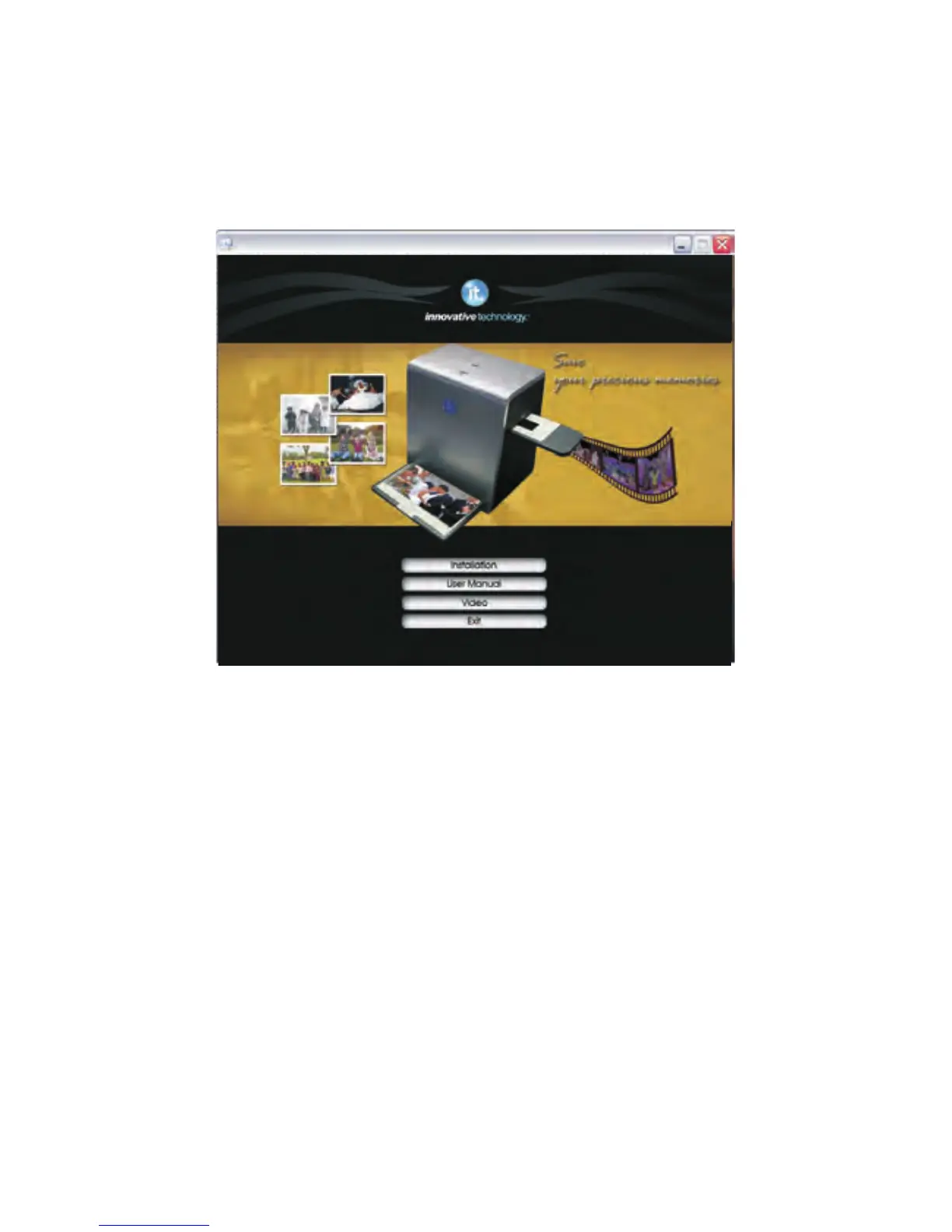
II. Driver Installation
1. Turn on the computer
2. Insert the installation CD into the CD-ROM drive and the installation CD
menu will appear
3. Click the “Installation” button to begin.
4. After the installation completed, you can browse the video instructions
and user manual from the CD.
5. Click ''Exit'' to quit the driver installation menu.
To use the ITNS-500, please complete the following installation in advance.
-2-
scanner Installation


 To Next Page