-1-
Note
This film scanner supports Windows XP, Vista and Windows7(32/64bits) via
USB 2.0 only.
We strongly suggest using a clean, dry, non-alcohol cotton swab to clean the glass
surface on the back-light holder and the business card fixture periodically to
produce a clear image.
Make sure all negative films, slide films, cover trays and photos are free of dust
and dirt before inserting into the ITNS-500 as this may affect the image quality
when scanning.
When cleaning films, please use a professionally recommended purger from a
photo store to avoid damaging old or precious films.
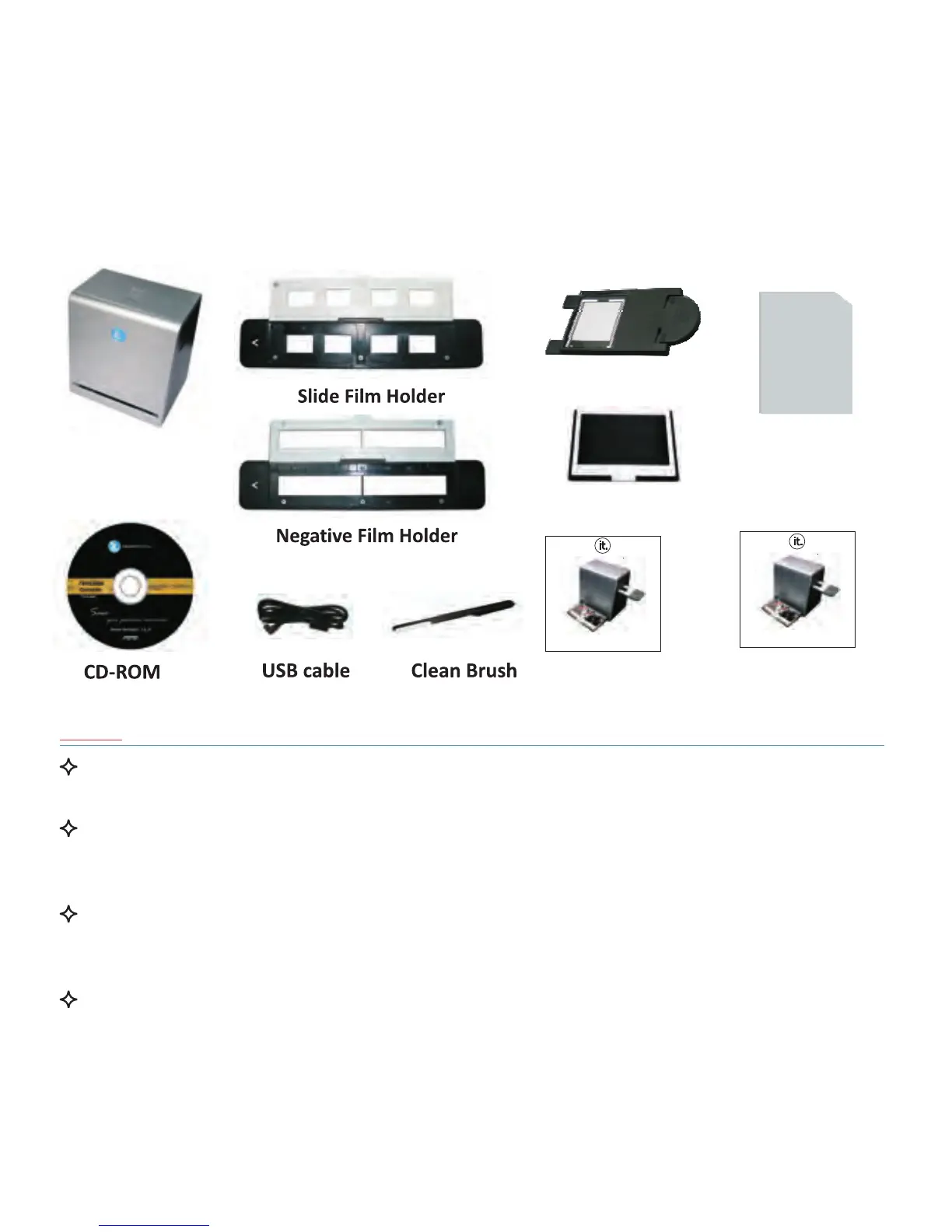
I. Unpack the ITNS-500
ITNS-500


 To Next Page