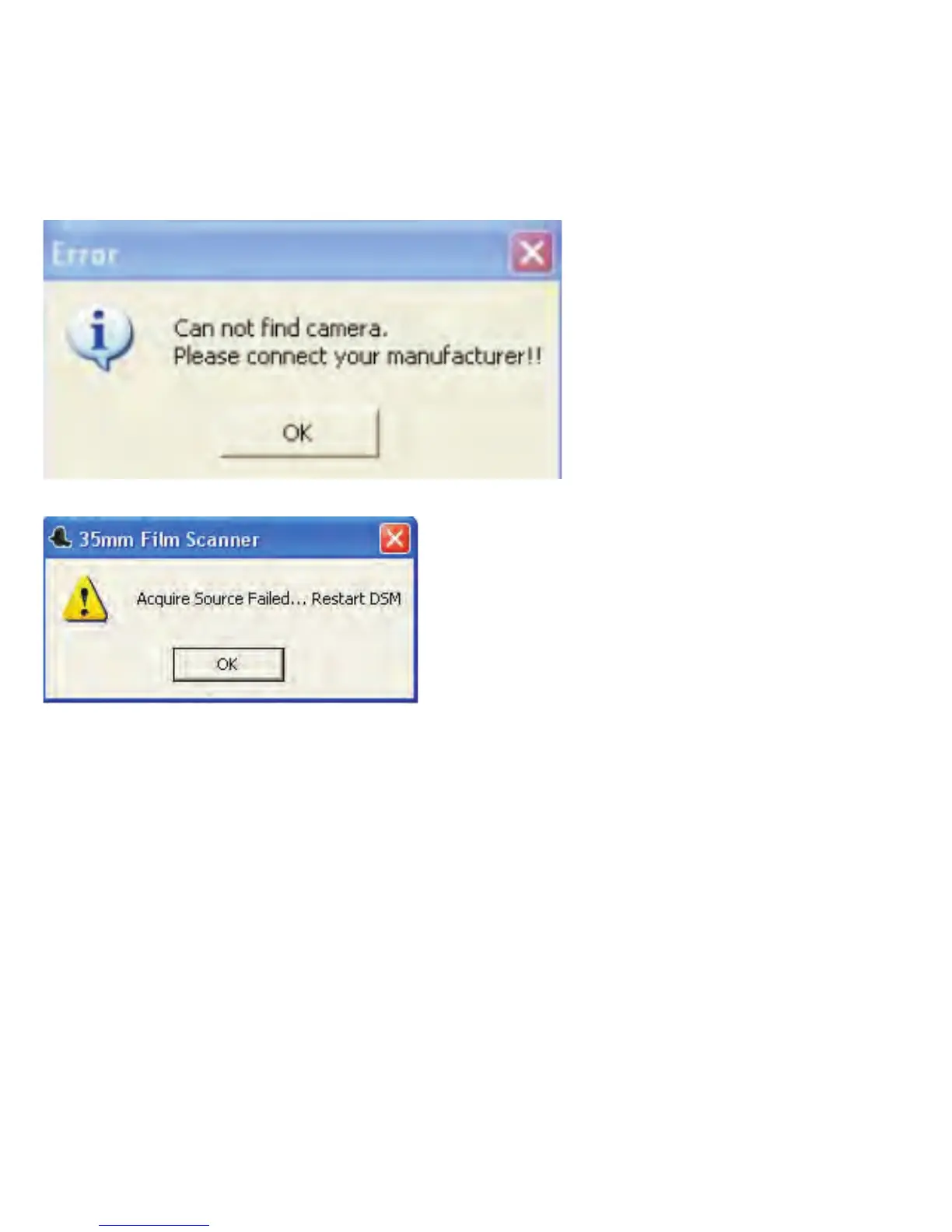
Solution:
→→
→→
01.Check your USB cable to make sure it is well connected to your PC and
your device.
02.Check your PC to verify if your Windows OS is 32 bit or 64 bit. Make sure
you did not install the wrong version of the driver.
03. Uninstall the existing driver from your system.
a. Using the uninstall program of ITNS‐500 application
Run start All programs (Vista/Win7) or Program files (XP) 35mm film
scanner 35mm film scanner Uninstall 35mm Film Scanner
-33-


 To Next Page