NV9 Spectral Quick Start Guide
<< Back to Contents
Copyright © Innovative Technology Ltd 2018 Doc:PA02093
Version: 1
Page 21 of 26
6 SOFTWARE INSTALLATION AND CONFIGURATION
6.1 Introduction
The NV9 Spectral leaves the factory pre-programmed with the latest dataset and
firmware files. However, it is important to ensure that the device is kept up to date
with the latest dataset and firmware. This section will provide a brief overview of the
various update possibilities with the NV9 Spectral. For detailed instructions please
refer to the relevant manual package supplied with the software or contact
support@innovative-technology.com.
6.2 Software Downloads
All software from Innovative Technology Ltd is free of charge and can be
downloaded from the website www.innovative-technology.com/support/secure-
download once registered and logged in. If not registered, please create an account
via the Create an account form. A confirmation email will be sent to the registered
email address once all contact details have been successfully submitted.
6.3 Drivers
The ITL drivers allow the validators to connect to a compatible Windows device. If
connecting via an IF17 then this process will not need to be followed as the drivers
are signed Microsoft Drivers and should install automatically. If this isn’t the case or
the Computer/Laptop is disconnected from the network, there is a standalone
package included within the driver downloads.
6.4 Dataset/Firmware Programming
6.4.1 Validator Manager
6.4.1.1 General Description
Validator Manager is a utility which allows the user to reprogram any of ITL’s
products. Please note that admin rights are required during installation. The
validator must be in SSP for the Validator Manager to detect the device.
6.4.1.2 System Requirements
• Windows XP SP3 or above
• .Net Framework 4
• 256mb ram
• 50mb hard disk free
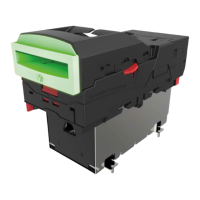
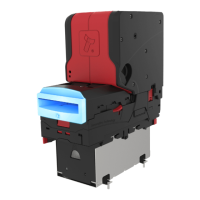
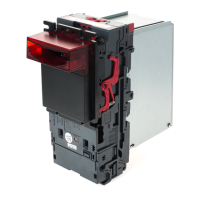
• Connected NV9 Spectral with active com
port
There have been instances where
one of the dll’s (itdata1.dll) used in
Validator Manager are flagged as a
Trojan, this is a false positive and if
this occurs, a rule will need to be
added to the antivirus on the PC or
Laptop







 To Next Page