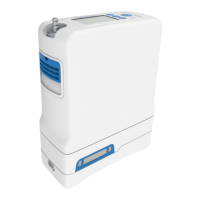
13
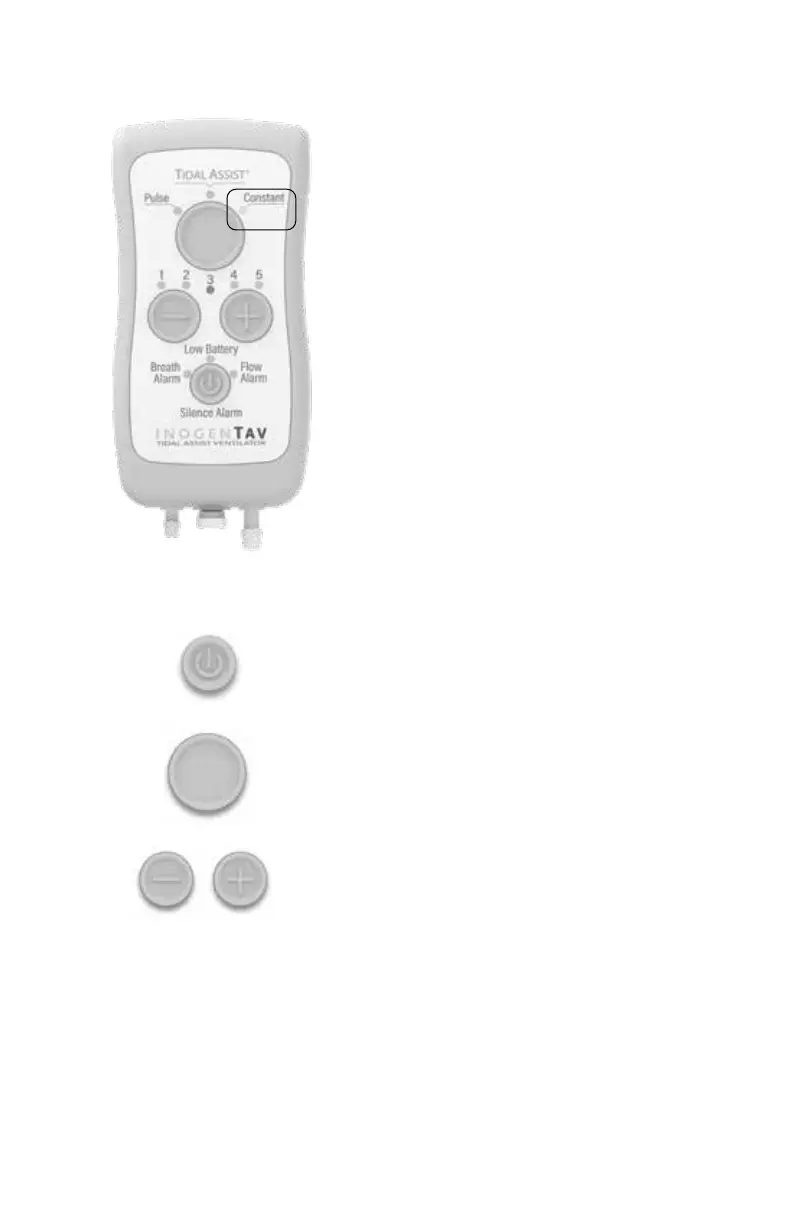
1. Turn the device ON (if o):
Press and hold the power button for 1
full second until the lights turn on and
the device beeps.
2. Select the breathing mode:
Press the top mode button to select the
Constant mode. The light for constant
ow mode will blink.
3. Select the ow setting:
Use the -/+ buttons to select the
prescribed oxygen ow rate (1-5).
The green light for the selected ow rate
will blink. Each press on the -/+ buttons
decreases or increases the ow rate
setting by 1 unit.
Using Constant Flow Mode
Constant Mode provides a steady ow of
oxygen all the time.
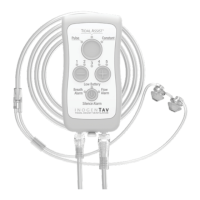
Before turning on the device, make sure
that the supply tubing and the nasal pillow
interface are connected. Also make sure that
the gas supply is turned on.


 To Next Page