Patient Warming System Instructions for Use 23
Inspiration Healthcare Limited © 2021 Inspiration Healthcare Limited
W inspiration-healthcare.com
700-307 Revision: 10
9. Checking of Thermal Cut-Out
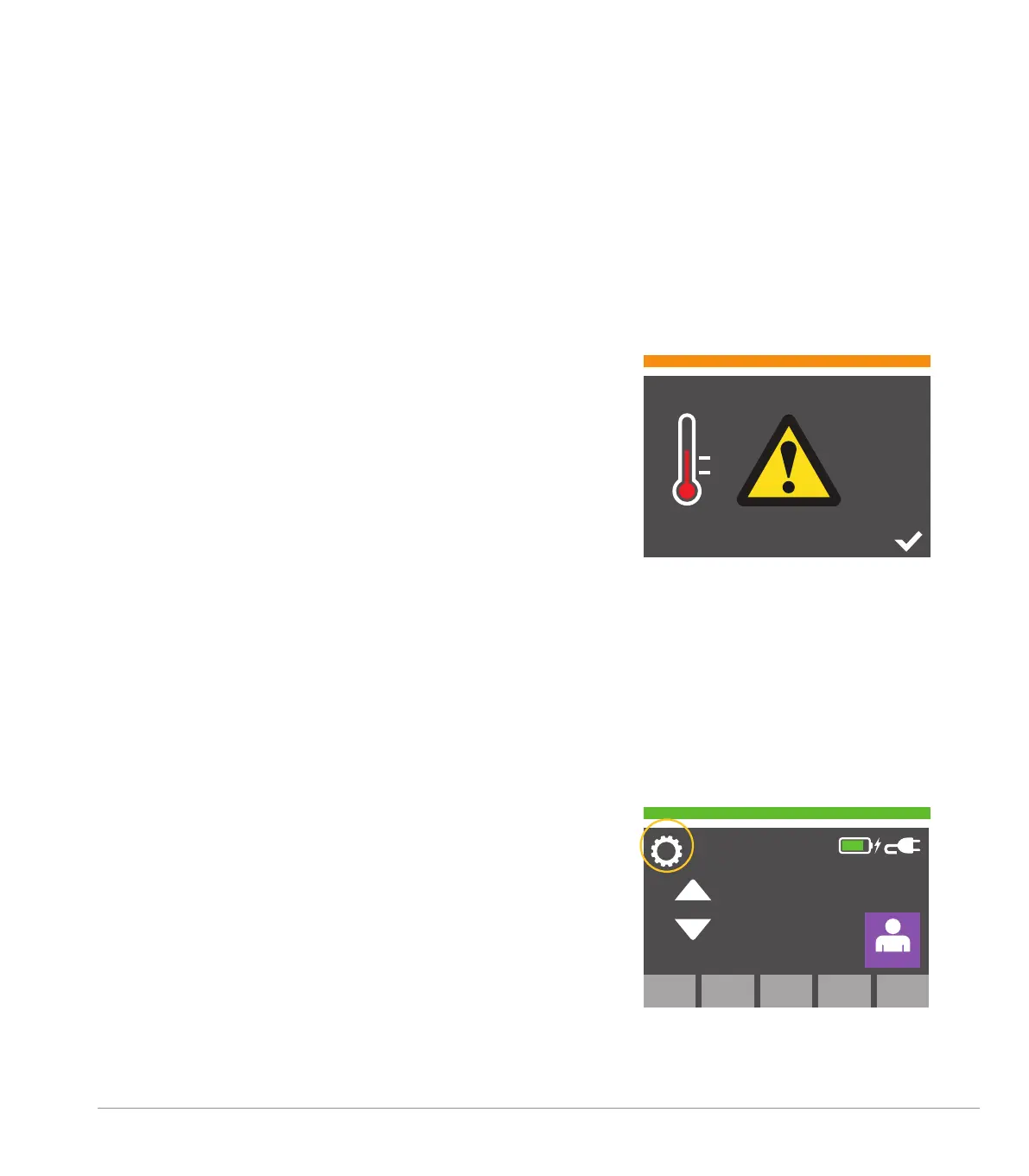
Monthly Thermal Cut-Out Test Notification
On the first power up of every month, the operator will be shown
the warning screen below, indicating the mattress test must be
performed.
If this is not the first power up of the month, then the software starts
as normal and the main screen is displayed.
• The display will show the screen with the visual alarm bar
AMBER. A single two-tone alert will sound
• The TICK icon must be selected to acknowledge the warning
• On pressing the TICK icon, an entry is added to the log file
indicating that the operator acknowledged the alert
• The software then reverts to the main screen and normal operation
is resumed
IMPORTANT NOTE: If monthly checks are not performed, there is
no impact on the usability or misuse of the AlphaCore
5
Controller.
This test is specific to each mattress or blanket and is an integral
part of the overall safety of the system. Failure on not performing the
monthly checks, may have an impact on the safety of the system.
To actuate the thermal cut-out test, please follow the steps below.
Thermal Cut-Out Test
Note: Can only be done with mains power connected.
Access Settings Menu
Accesses the settings menu by pressing the icon ‘cog’ indicated.
37.9
o
C
37
o
C


 To Next Page