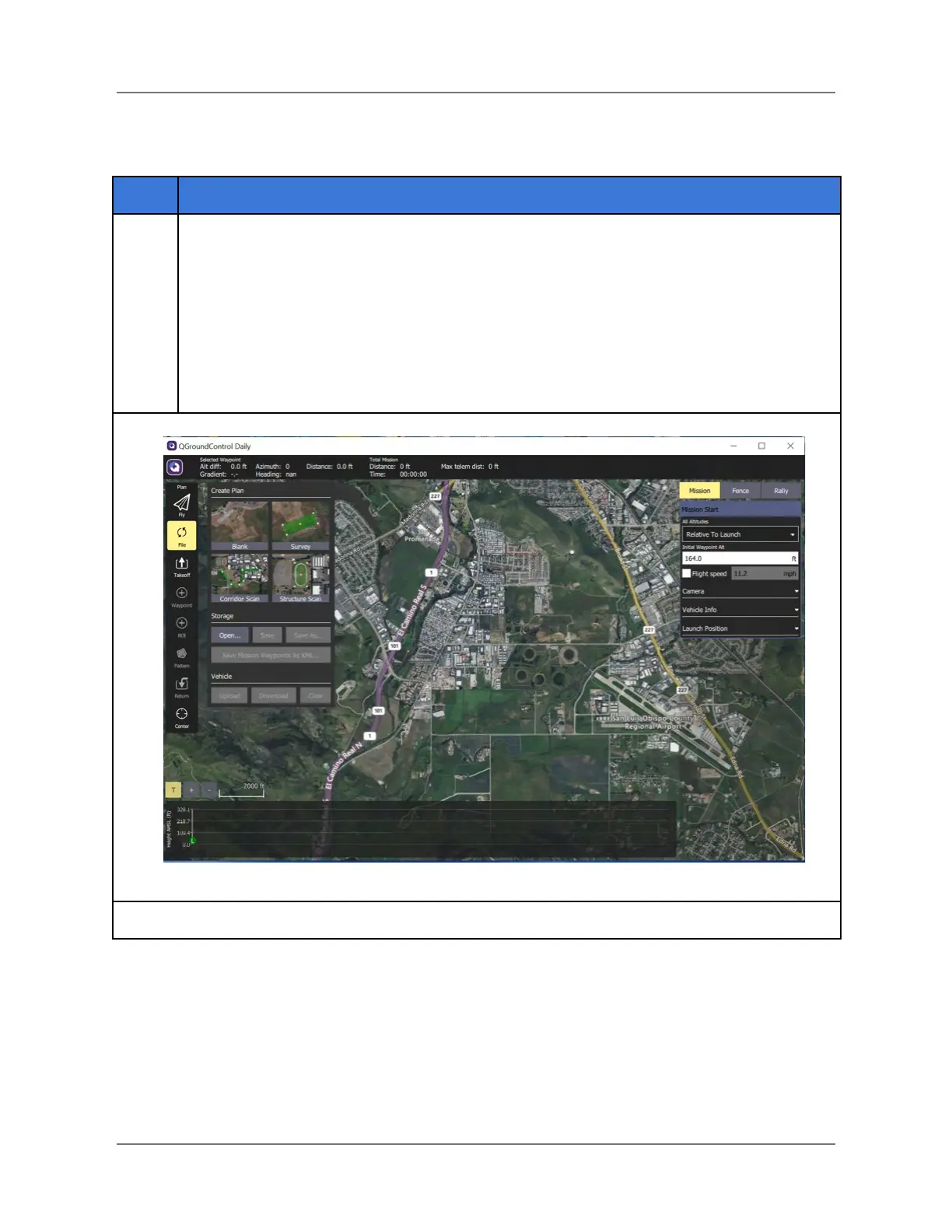
On the left side of the screen, locate the Create Plan overlay. Select (mouse click or
tap screen) Blank.
Note: Other Plan types are available. The Blank plan is chosen for illustration
purposes for this example.
The Blank plan screen is displayed (see below).
Map navigation: You can drag the Map to bring a specific geographical area into
view. You can also zoom in and out of the Map view by selecting the + and - icons in
the lower-left corner of the screen.



 To Next Page