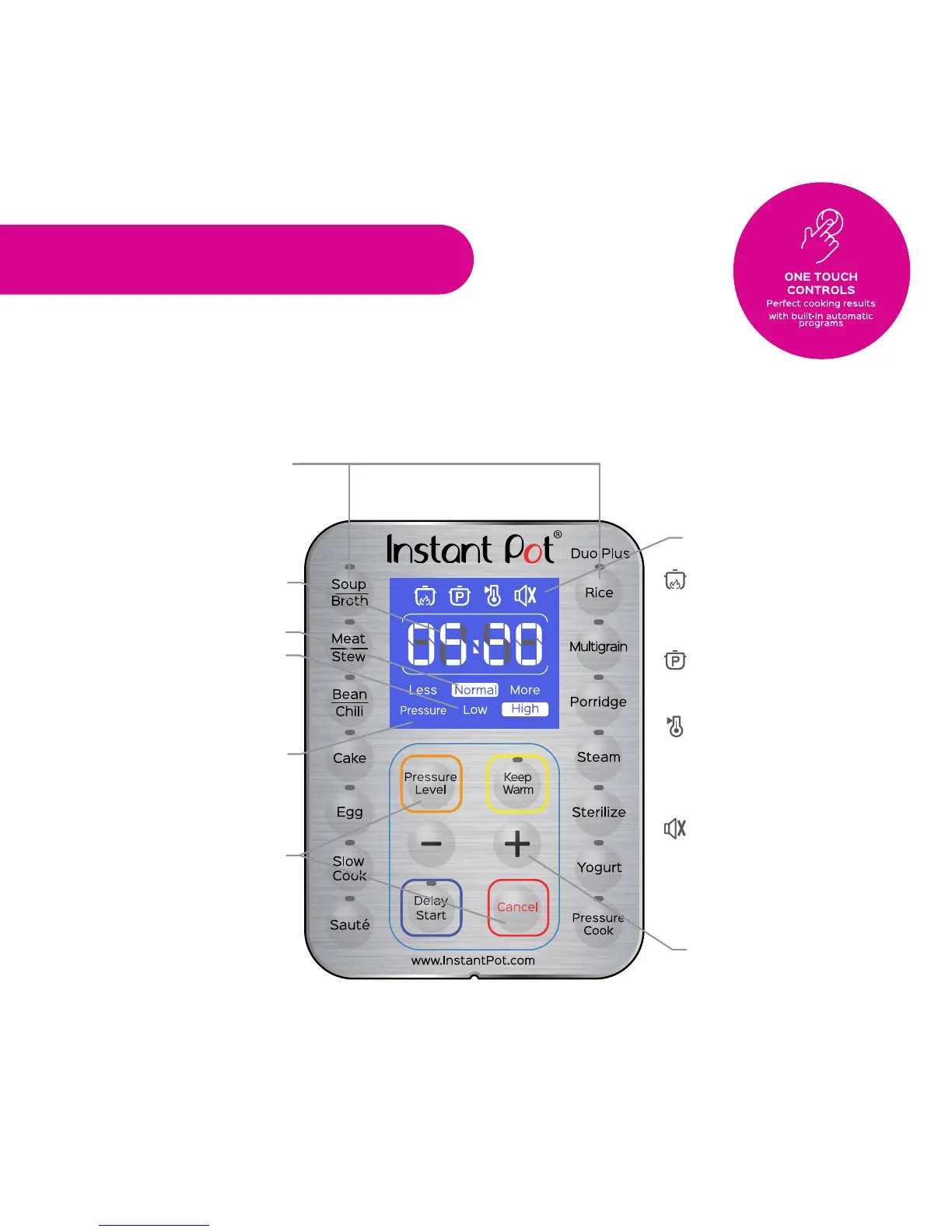
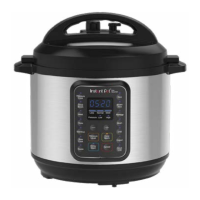
Control Panel
The control panel of your Instant Pot DUO Plus consists of a
large LCD display, cooking program keys, operations keys to control pressure level,
+ / - to adjust cooking time and a Cancel button.
Control and Features
Time display
Pressure indicators
Mode indicators
Operation keys
Cooking program keys
LCD display
Cooker status icons
indicates that cooker is
heating and cooking is in
progress
indicates that a pressure
cooking program is selected
indicates keep warm
function is ON or OFF after
a cooking program
indicates sound is
ON or OFF when cooking
alerts cannot be turned
OFF.
+ / - keys to adjust
cooking time
7








 To Next Page