14
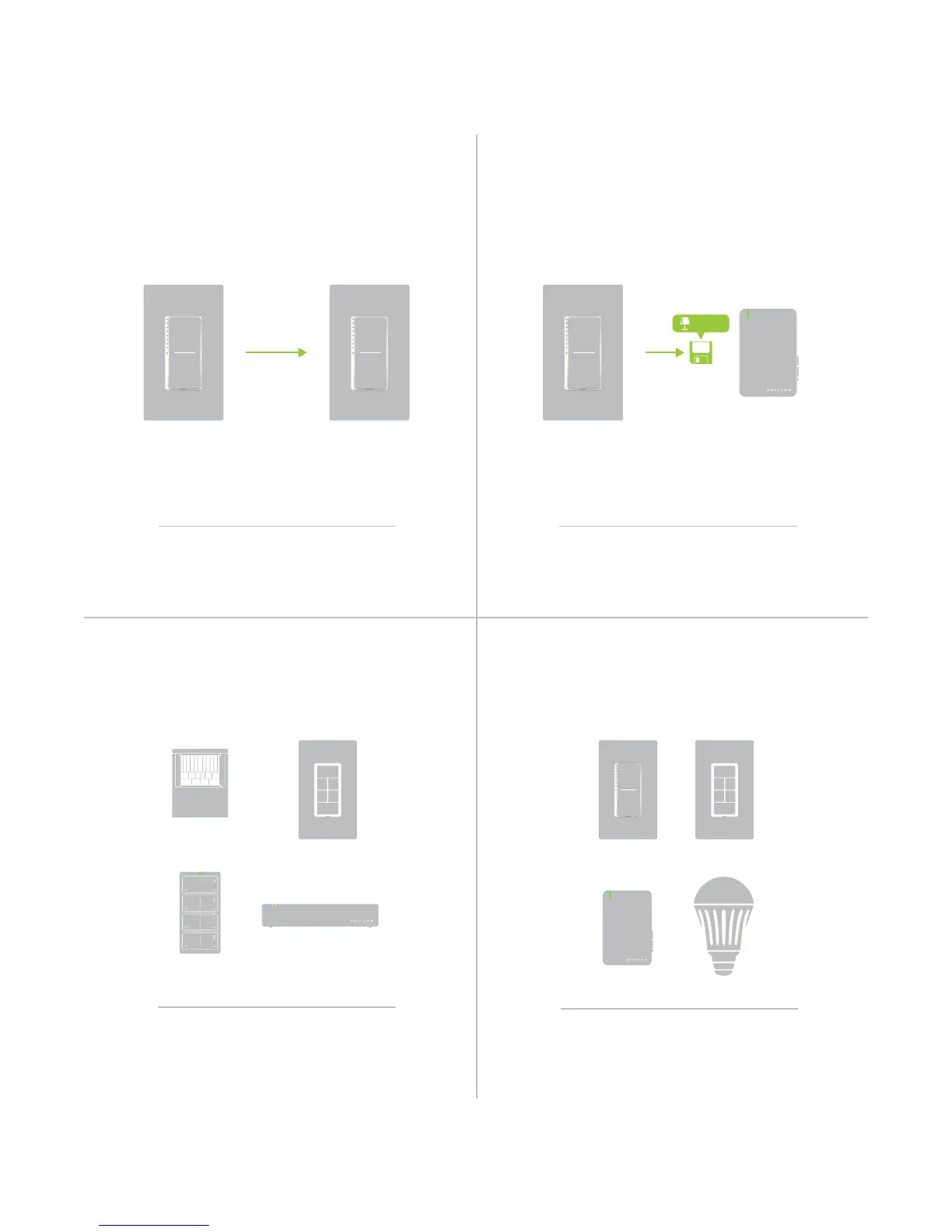
When linking Insteon devices, the links that
are created are one-way.
The current state of the controlled device is
stored in the link: On, o or dimmed.
Switch A will turn Switch B on and o but
Switch B cannot turn Switch A on or o.
The switch will turn on the Lamp Dimmer to
75% brightness.
A SwitchB Lamp Dimmer
Insteon devices that can turn other devices on
or o are called controllers.
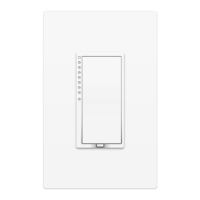
Sensors, Switches, Keypads and the
Hub are common controllers.
Insteon devices that receive the command of a
controller are called responders.
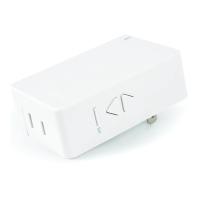
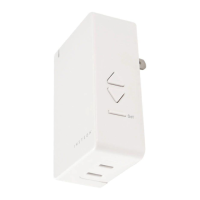
Switches, Keypads, Plug-In Modules and
LED Bulbs are common responders.
RespondersControllers
Links Remember a Device’s StateLinks are One-Way
Understanding Linking


 To Next Page