21
A
B
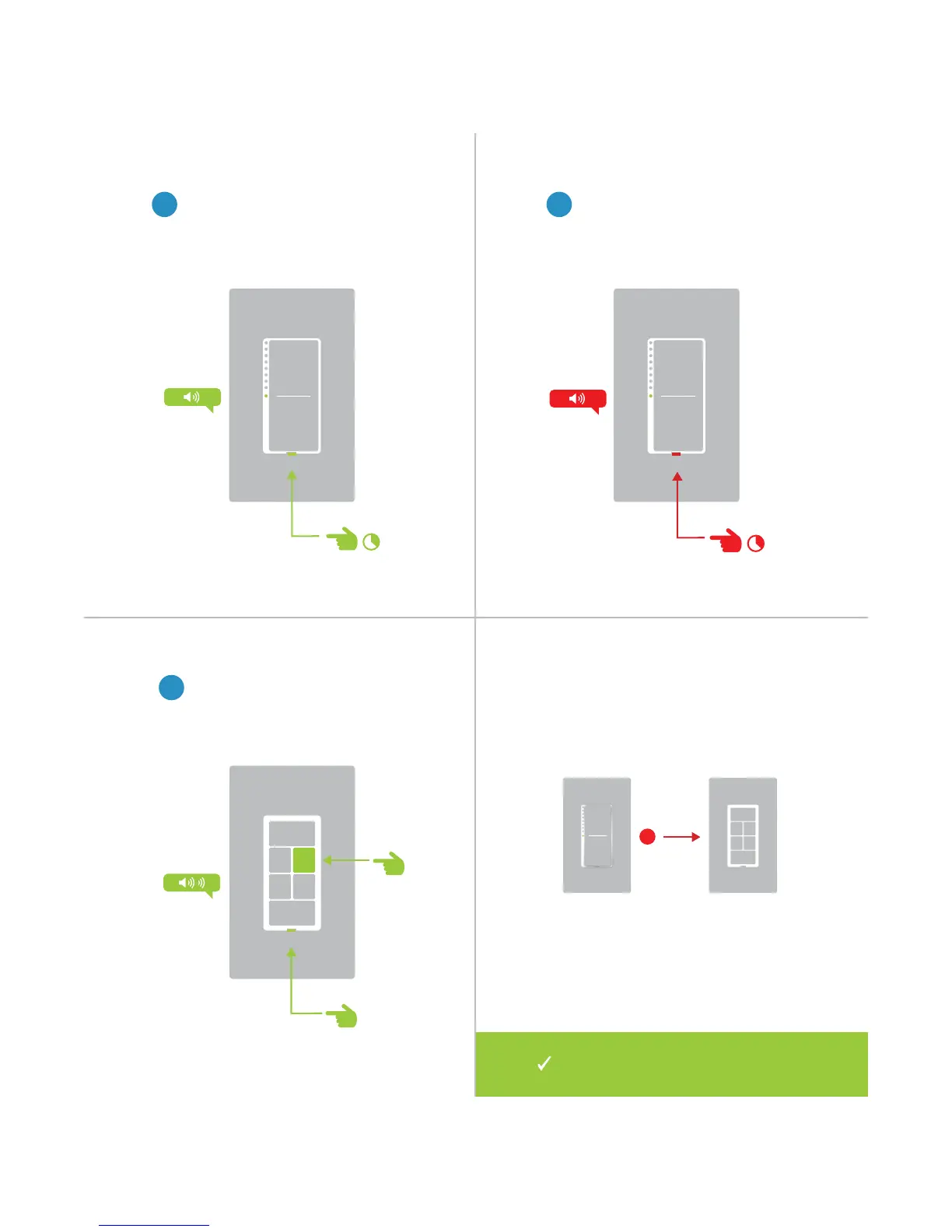
1
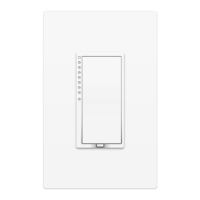
On your Insteon Wall Switch, press
and hold the set button until the
device beeps.
Unlinking from a Multi-Button Controller
2
Press and hold the set button
again until the device beeps.
3
On your multi-button Insteon
device, tap the desired button and
then press and hold the set button
until the device double-beeps.
Your Wall Switch will no longer control
your multi-button Insteon device.


 To Next Page