27
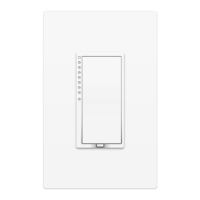
Your Wall Switch has been
restored to factory settings.
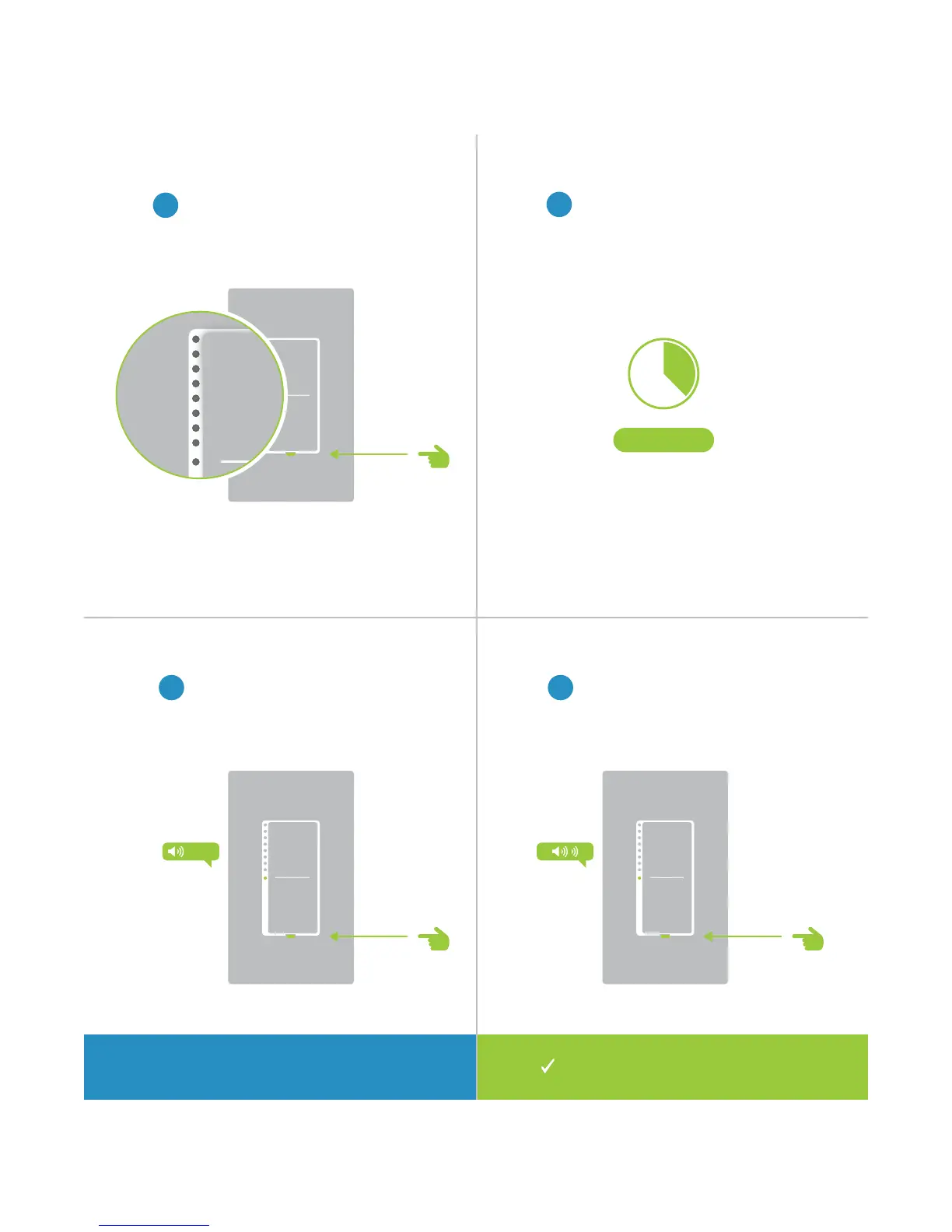
Factory Reset
1
Pull the set button out from the
switch until the status LEDs turn o.
2
Wait about ten seconds.
3 4
Push in and hold the set button
until the long beep subsides.
Release the set button. The switch
will double beep.
LONG
Press and hold for 10 seconds on
older switches that don’t long beep.
?
10 Seconds


 To Next Page