16
Linking to the Insteon Hub
2
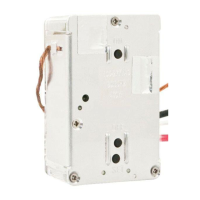
Tap the Add button.
1
3 4
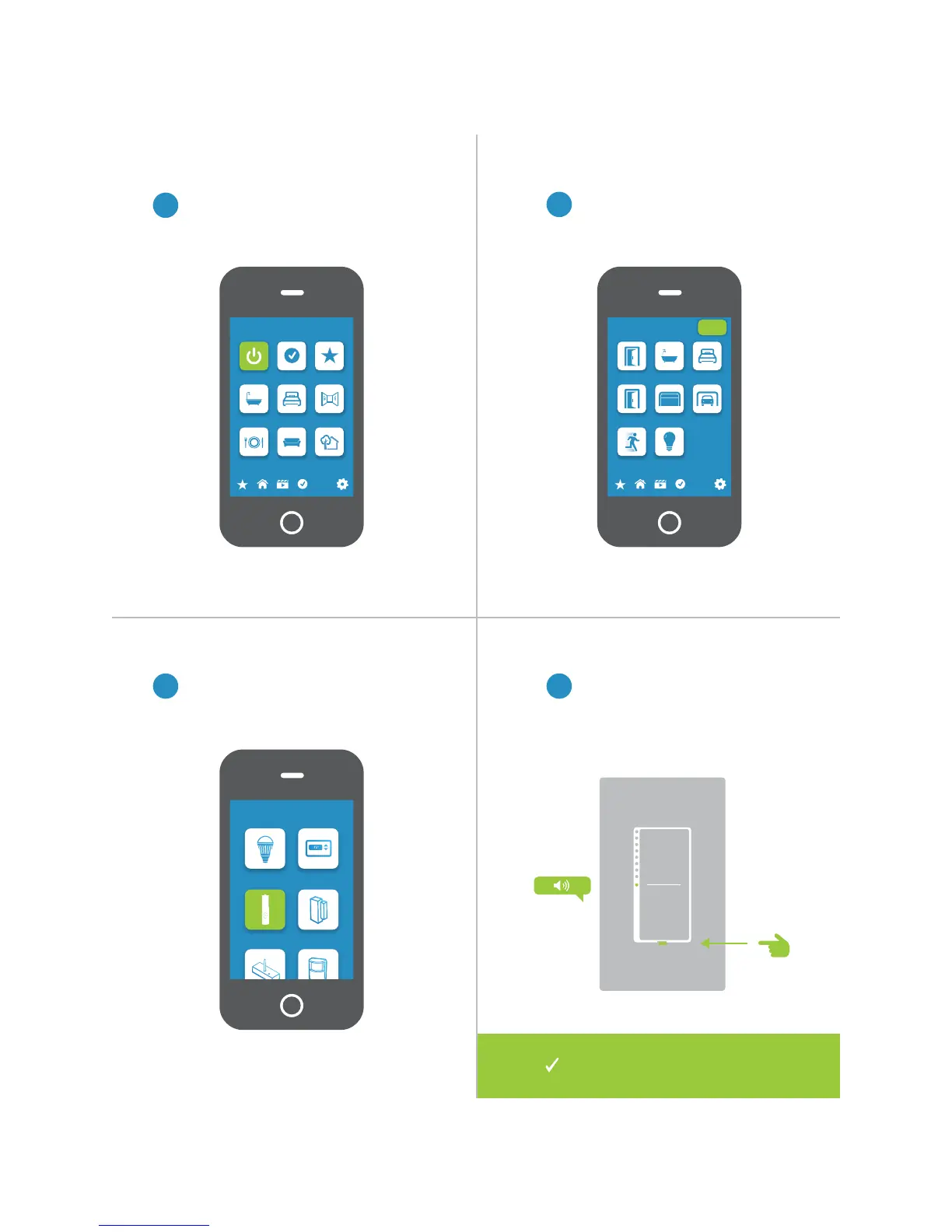
From Rooms, navigate to All Devices.
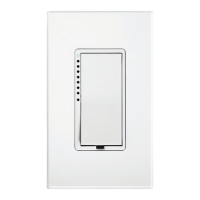
Select Wire-In Device from the list of
devices.
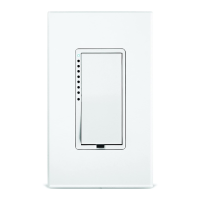
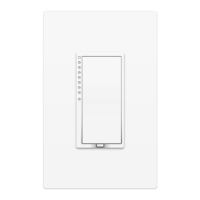
When prompted, press and hold the
set button on your Wall Switch until
the device beeps.
Rooms
All Devices Check-In Favorites
Bathroom Bedroom Hallway
Kitchen Living Room Outside
72º
Add Device
LED Bulb Thermostat
Door Sensor
Open/Close
Sensor
All Devices
Back Door Bathroom Bedroom
Font Door Garage Door Garage Light
Motion Sensor Outside Lights
72º
Add
Your Wall Switch is now added
to your Insteon Hub.


 To Next Page