EasyManua.ls Logo

Instrutech Super Bee CVM201 - User Manual

Instrutech Super Bee CVM201
34 pages
Print Icon
To Next Page IconTo Next Page
Loading...
p/n 000312-120
InstruTech®, Inc.
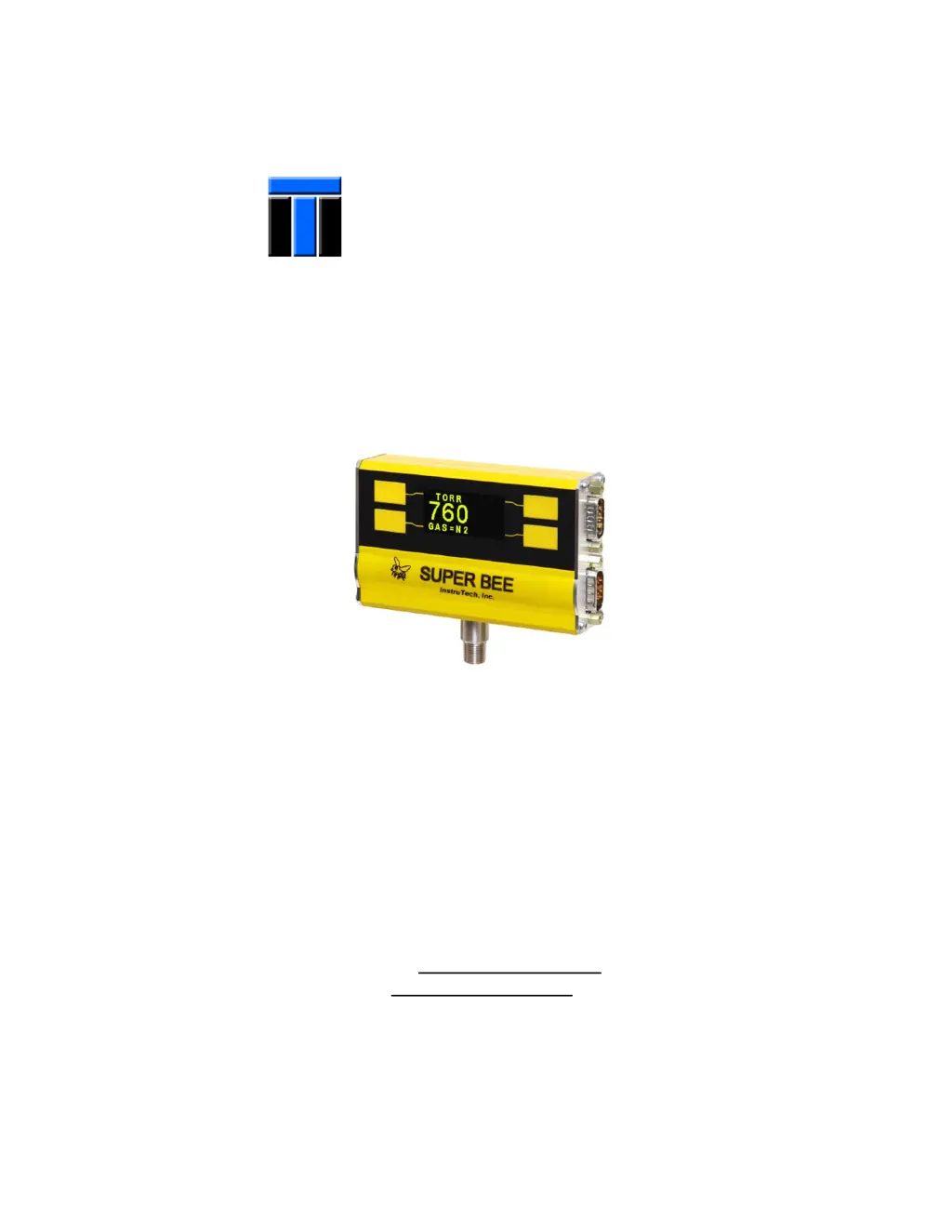
CVM201 Convection Vacuum Gauge Module
The Super Bee
User Manual
InstruTech, Inc.
1475 S. Fordham St.
Longmont, CO 80503
USA
Phone: +1-303-651-0551
Fax: +1-303-678-1754
E-mail info@instrutechinc.com
www.instrutechinc.com

Questions and Answers

Summary

1 Introduction and Specifications

1.1 Product Description

Explains thermal conductivity gauge principles and the CVM201 module's features.

1.2 Technical Specifications

Lists key performance parameters, operating conditions, and physical properties.

1.3 Dimensions and Part Numbers

Details physical size, mounting, and available product configurations.

2 Safety Precautions

2.1 General Safety Guidelines

Outlines essential safety rules for handling the instrument and avoiding hazards.

2.2 Service and Operation Safety

Focuses on safe practices during maintenance, repair, and normal operation.

2.3 Electrical Safety and Grounding

Emphasizes proper electrical connections, grounding, and shock prevention.

2.4 Overpressure and Hazardous Gas Use

Warns against exceeding pressure limits and using flammable/toxic gases.

2.5 Using Gases Other Than Nitrogen;Air

Provides guidance and warnings for gases other than N2/air.

3 Installation

3.1 Mechanical Installation

Guides on optimal physical placement and connection of the gauge.

3.2 Electrical Installation

Details wiring, power, and connection procedures for the module.

4 Setup and Operation

4.1 User Interface Overview

Describes the front panel display, soft-keys, and basic navigation.

4.2 Device Programming

Explains how to configure settings like pressure units, setpoints, and outputs.

4.3 Factory Default Reset

Details the procedure to restore the device to its original factory settings.

5 Using the Gauge with Different Gases

Gas Correction and Safety Considerations

Explains how gas properties affect readings and associated safety.

6 Display Information

6.1 Display - Torr;mTorr

Table showing displayed vs. true pressure for various gases in Torr/mTorr.

6.2 Display - mbar

Table showing displayed vs. true pressure for various gases in mbar.

7 Analog Output Signals

Analog Output Types Overview

Introduces non-linear, log-linear, and linear 0-10 Vdc analog output options.

Non-Linear Output Data Tables

Provides lookup tables for converting non-linear output voltage to pressure.

Log-Linear Output Data Tables

Provides lookup tables for converting log-linear output voltage to pressure.

8 Serial Communication

8.1 Communication Settings

Outlines default and configurable serial communication parameters.

8.2 Command Protocol

Summarizes the commands and responses for RS485/RS232 serial interface.

9 Service and Troubleshooting

9.1 Calibration

Describes the process for zero and span calibration of the gauge.

9.2 Maintenance and Troubleshooting

Covers routine checks and solutions for common operational issues.

9.4 Sensor Contamination

Explains causes, effects, and types of sensor contamination.

9.5 Module and Sensor Replacement

Details procedures for replacing the gauge module or sensor.

10 Factory Service and Support

11 Warranty

Instrutech Super Bee CVM201 Specifications

General IconGeneral
CategoryMeasuring Instruments
ModelSuper Bee CVM201
Input Impedance10 MΩ
Power Supply9V battery
Accuracy±0.5% of reading
Operating Temperature0°C to 50°C

Related product manuals