Controlling Other Components
En-82
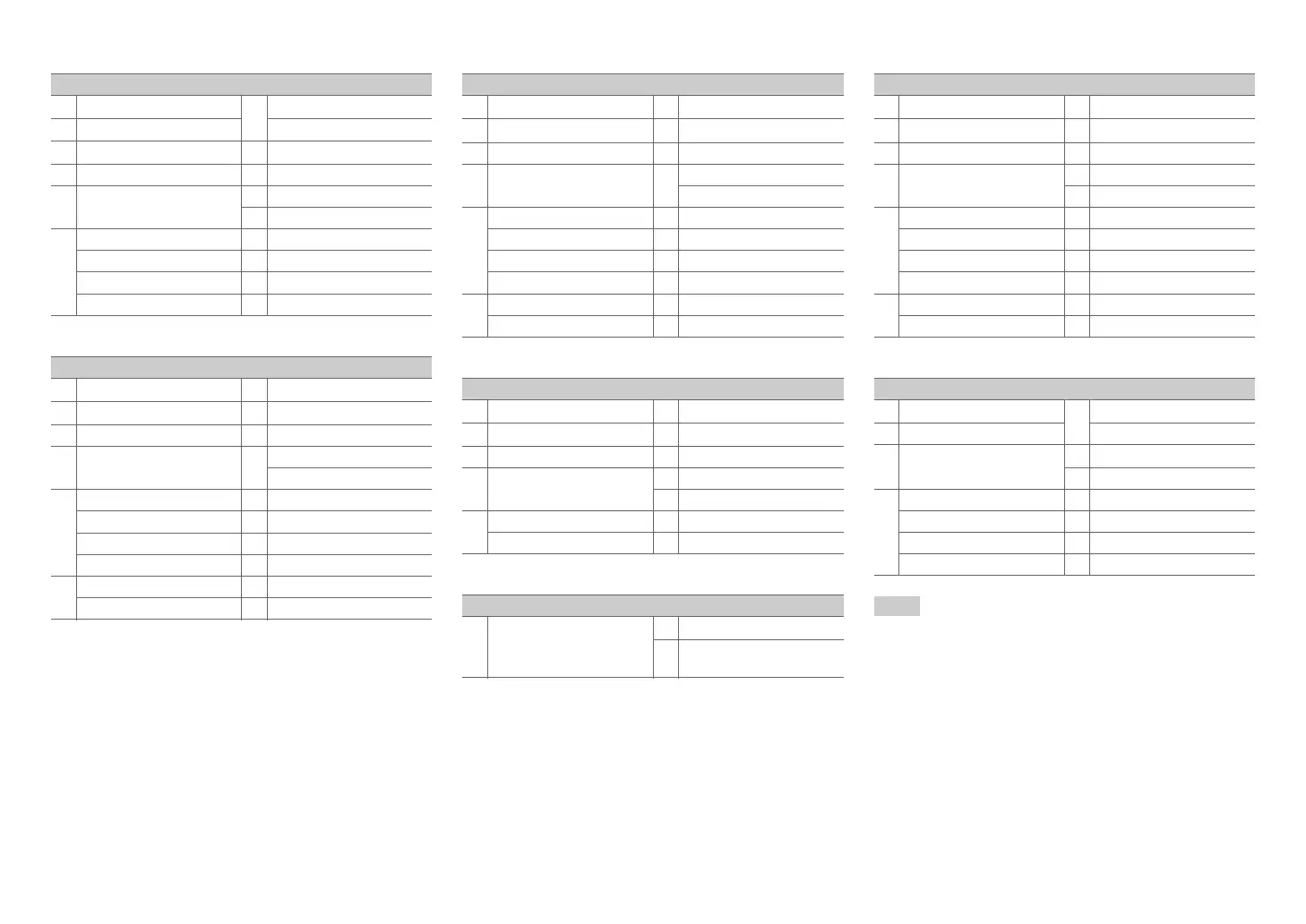
■ TV operation
■ Blu-ray Disc player/HD DVD player operation
■ DVD player/DVD recorder operation
■ VCR/PVR operation
■ Cassette tape deck operation
■ Satellite receiver/Cable receiver operation
■ CD player/CD recorder/MD recorder operation
Note
• With some components, certain buttons may not work as
expected, and some may not work at all.
• See “Controlling Your iPod/iPhone” about the operation of
iPod/iPhone (➔ page 84).
*1
The p function is not supported. The p
supported by the AV receiver is the CEC system control
function of the HDMI standard.
Available buttons
a 8, Input, TV VOL q/w g
Number: 1 to 9, 0
b
Guide
Number: +10
*1
c q/w/e/r, Enter i
Display
d
Setup
j
Muting
e 1, 3, 2, 5, 4,
7, 6
*1
k
CH +/–
l
PREV CH
f
A
(Red)
*1
m
Return
B
(Green)
*1
n
Audio
*1
C
(Yellow)
*1
o
CLR
D
(Blue)
*1
Available buttons
b
Top Menu
h 8Source
c q/w/e/r, Enter i
Display
d
Setup
j
Muting
e 1, 3, 2, 5, 4,
7, 6
k
CH +/–
Disc +/–
f
A
(Red)
l
Menu
B
(Green)
m
Return
C
(Yellow)
n
Audio
*1
D
(Blue)
o
CLR
g
Number: 1 to 9, 0
Number: +10
*1
Available buttons
b
Top Menu
h 8Source
c q/w/e/r, Enter i
Display
d
Setup
j
Muting
e 1, 3, 2, 5, 4,
7, 6
k
CH +/–
Disc +/–
f
A
(Red)
*1
l
Menu
B
(Green)
m
Return
C
(Yellow)
*1
n
Audio
*1
D
(Blue)
*1
o
CLR
g
Number: 1 to 9, 0
Number: +10
*1
Available buttons
b
Guide
h 8Source
c q/w/e/r, Enter i
Display
d
Setup
j
Muting
e 1, 3, 2, 5, 4,
7, 6
k
CH +/–
l
PREV CH
g
Number: 1 to 9, 0
m
Return
Number: +10
o
CLR
Available buttons
e 1, t (Reverse
Playback), 2, 5, 4,
7, 6
h 8Source
j
Muting
Available buttons
b
Guide
h 8Source
c q/w/e/r, Enter i
Display
d
Setup
j
Muting
e 1, 3, 2, 5, 4,
7, 6
k
CH +/–
l
PREV CH
f
A
(Red)
m
Return
B
(Green)
n
Audio
C
(Yellow)
o
CLR
D
(Blue)
g
Number: 1 to 9, 0
Number: +10
Available buttons
c q/w/e/r, Enter g
Number: 1 to 9, 0
d
Setup Number: +10
e 1, 3, 2, 5, 4,
7, 6
h 8Source
i
Display
f
Search
j
Muting
Repeat
k
Disc +/–
Random
o
CLR
Mode


 To Next Page