55
Toolbar Menus
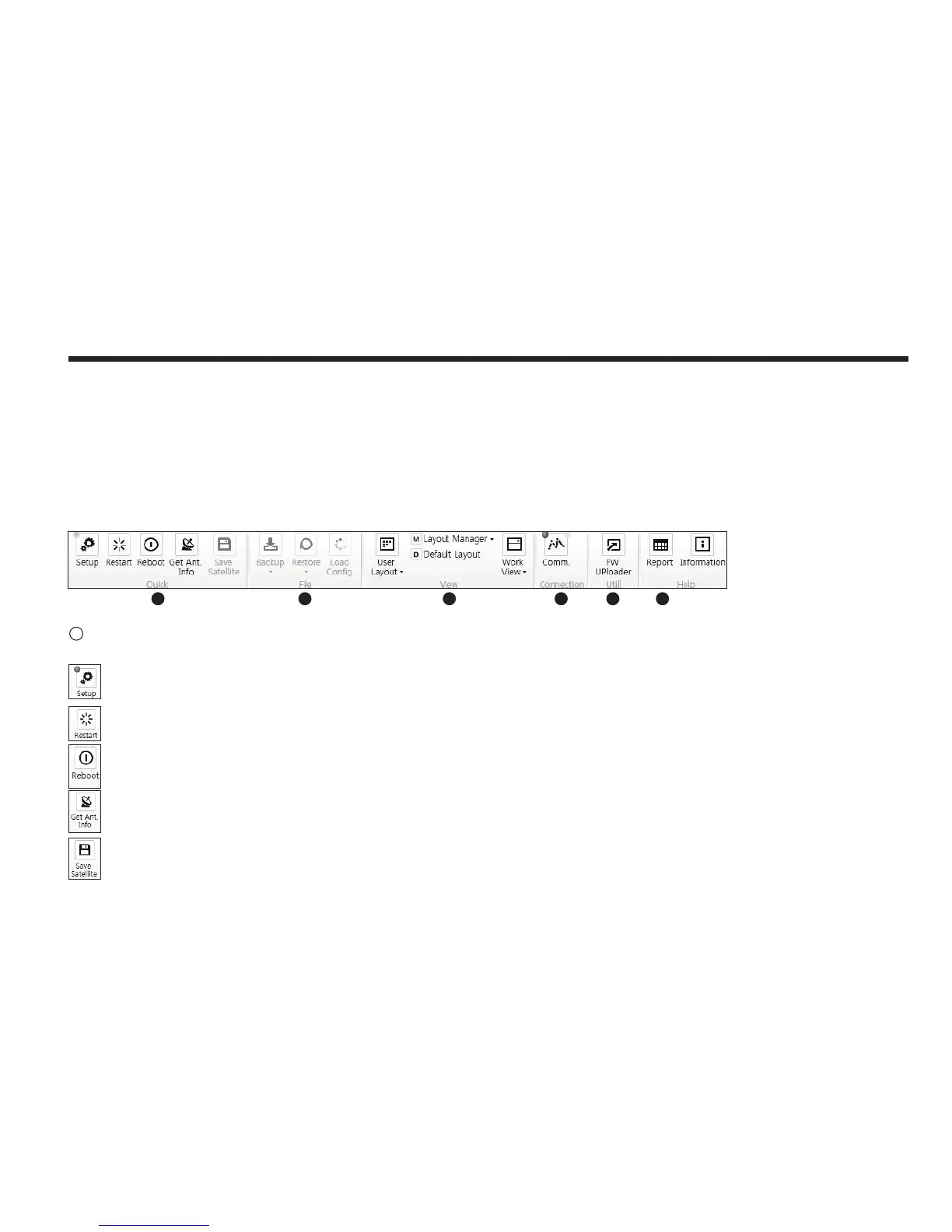
The toolbar menus at the top of the screen display command buttons of the most commonly used functions of the Aptus
®
. The toolbar menus consists of 6
main menus; Quick (for quick launch of functions), File (not used on i-series), View(for user layout and work view), Connection(for communication), Utill(not
used on i-series) and Help(for reporting problems and information check) .
Setup: enters Setup mode.
Restart: exits Setup mode and restarts the antenna.
Reboot: reboots the antenna.
Get Ant. Info: obtains the information stored in the antenna
Save Satellite: Not used on i-Series.
Quick
1
1 2 3 4 5 6



 To Next Page