Affinity Instructions for Use - US Page 39
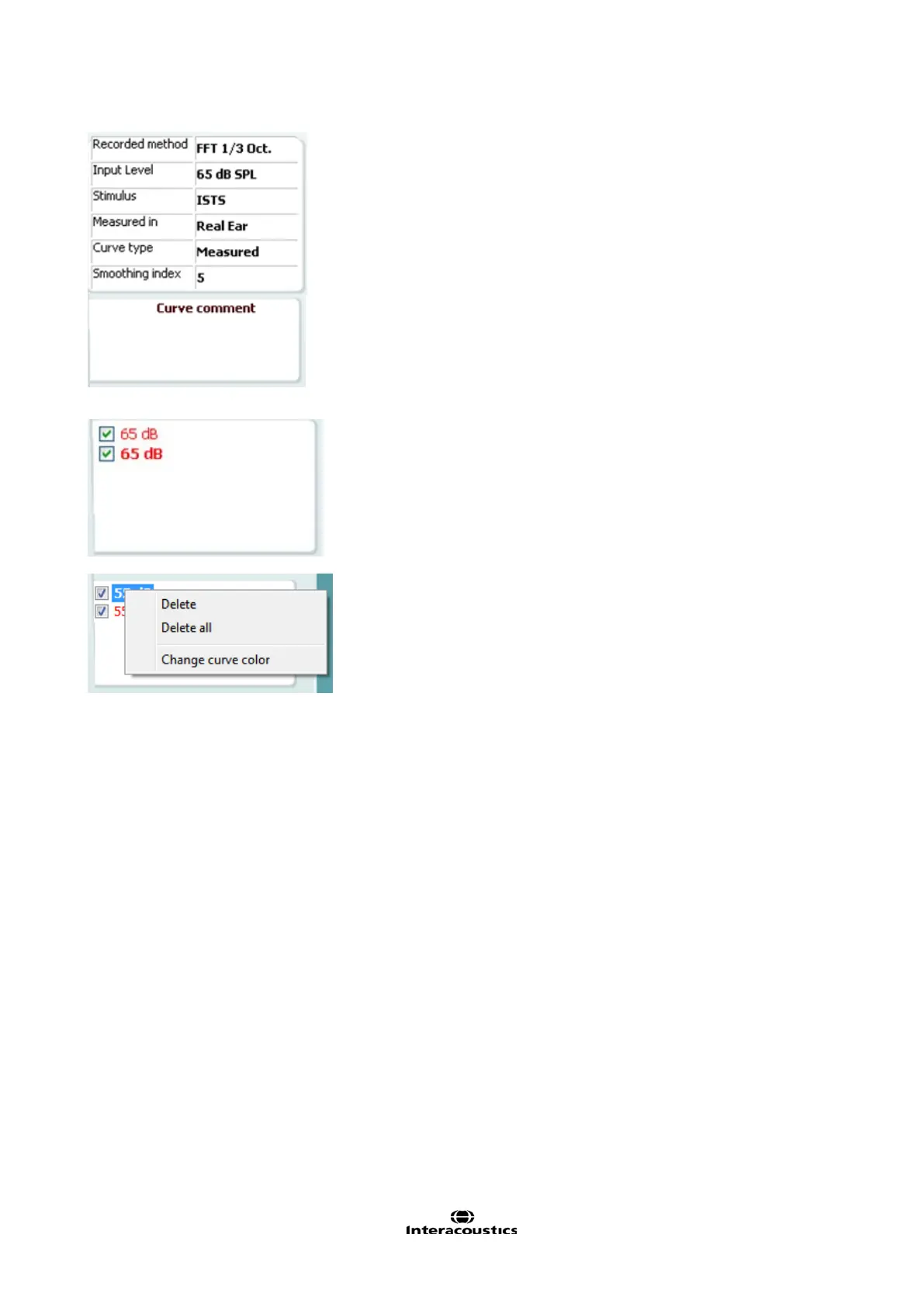
Measurement Details of the selected curve are displayed as a
table on the right hand side of the screen.
A Curve Comment for each curve can be typed into the
comment section on the right hand side.
Select a curve using the curve tag boxes under Curve display
options and write a comment in the comment section.
The comment will then appear in the comment section
whenever the curve is selected.
Curve Display Options are found in the lower right hand
corner.
If you have measured more curves of the same type (e.g. REIG
curves), they will be listed by their input level. Tick the ones that
are to be displayed on the graph.
Right clicking on the input level in the curve display will give the
fitter various options.














 To Next Page