Affinity Instructions for Use - US Page 40
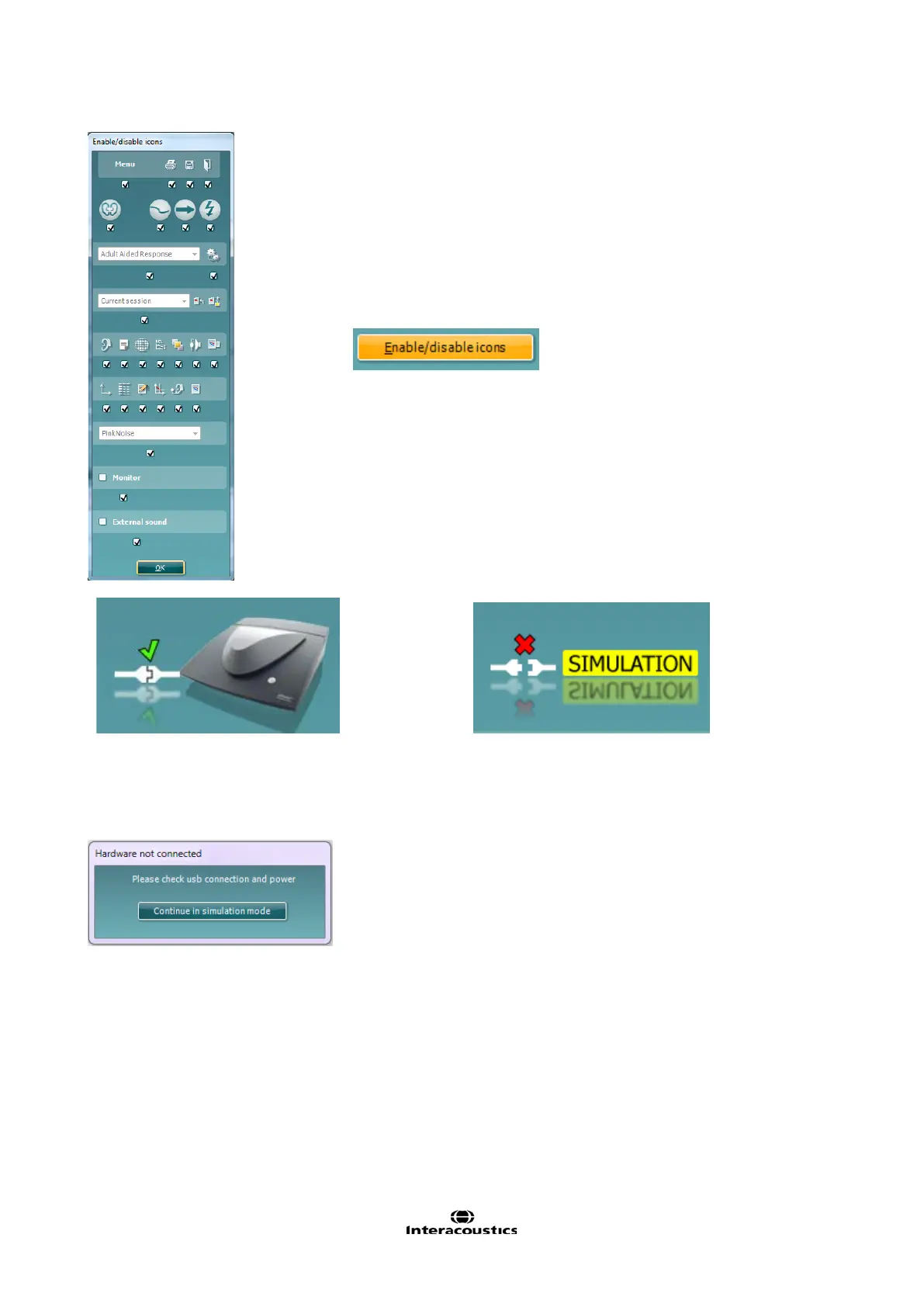
This feature lets the fitter customize which buttons appear on
the front of the main REM440 screen. When all the items are
selected with the checkmark, all buttons will be displayed on the
front screen. Removing the checkmark from the checkbox
under the icons will remove those icons from the main REM440
screen.
To access this menu:
Go to Menu →Setup→General Setup and click on the
Enable/disable icons button to customize
Hardware indication picture: The picture indicates whether the
hardware is connected.
When opening the Suite the system will automatically search for the hardware. If it does not detect the
hardware a dialog box pops up and asks if you want to continue in simulation mode.














 To Next Page