Affinity Instructions for Use - US Page 43
Temporary Setup button allows for making temporary changes to the
selected test protocol. The changes will be valid for the current
session only. After making the changes and returning to the main
screen, the name of the test protocol will be followed by an asterisk
(*).
NOTE: Protocols from ANSI and IEC cannot be temporarily
modified.
List of historical sessions accesses historical sessions for
comparison purposes.
Toggle between Lock and Unlock the Selected Session freezes the
current or historical session on the screen for comparison to other
Go to Current Session button brings you back to current session.
Report Editor button opens a separate window for adding notes to the
current session. Note that after saving the session no changes can
added to the report
.
Single frequency button represents an optional
manual test that allows for presetting hearing aid
gain prior to HIT.
Place the hearing aid in the ear test box and press
the single frequency button. A 1000 Hz tone will
then appear allowing you to see the exact input
and output of the hearing aid. Press the button
again to end the test.
Normal and reversed coordinate system buttons enable you to
toggle between reversed and normal graph.
Show curser on graph provides information about each
specific measured point in the curve. The curser is “locked” to
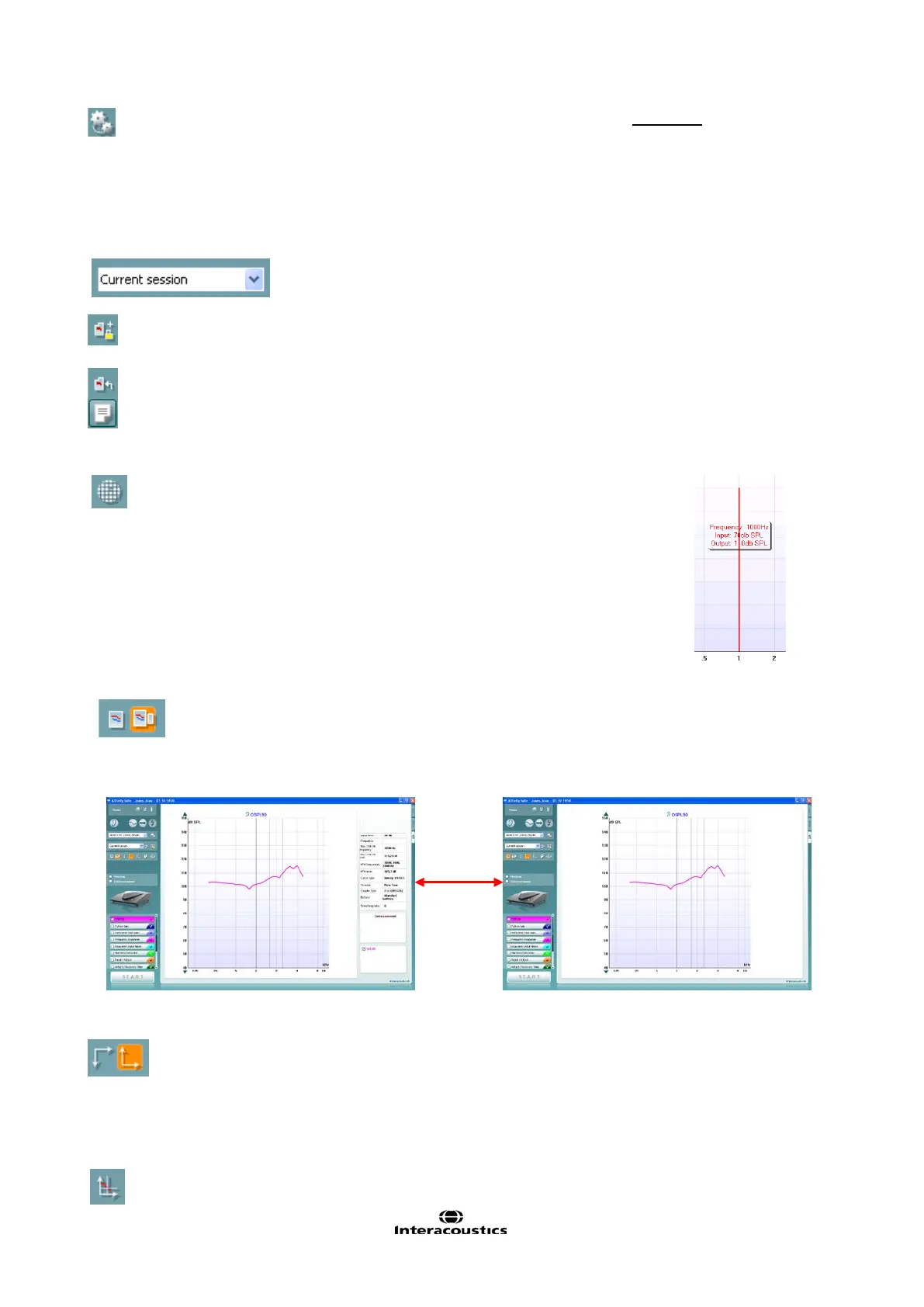
Simple view/Advanced view buttons toggle between an
advanced screen view (including the test and fitting prescription
information on the right hand side) and a more simple view with a














 To Next Page