D-0128842-E – 2023/10
Luna - Instructions for Use - US Page 20
Keyboard shortcuts
Clicking the keyboard will give access to see and edit the PC shortcut keys.
Import/export functions
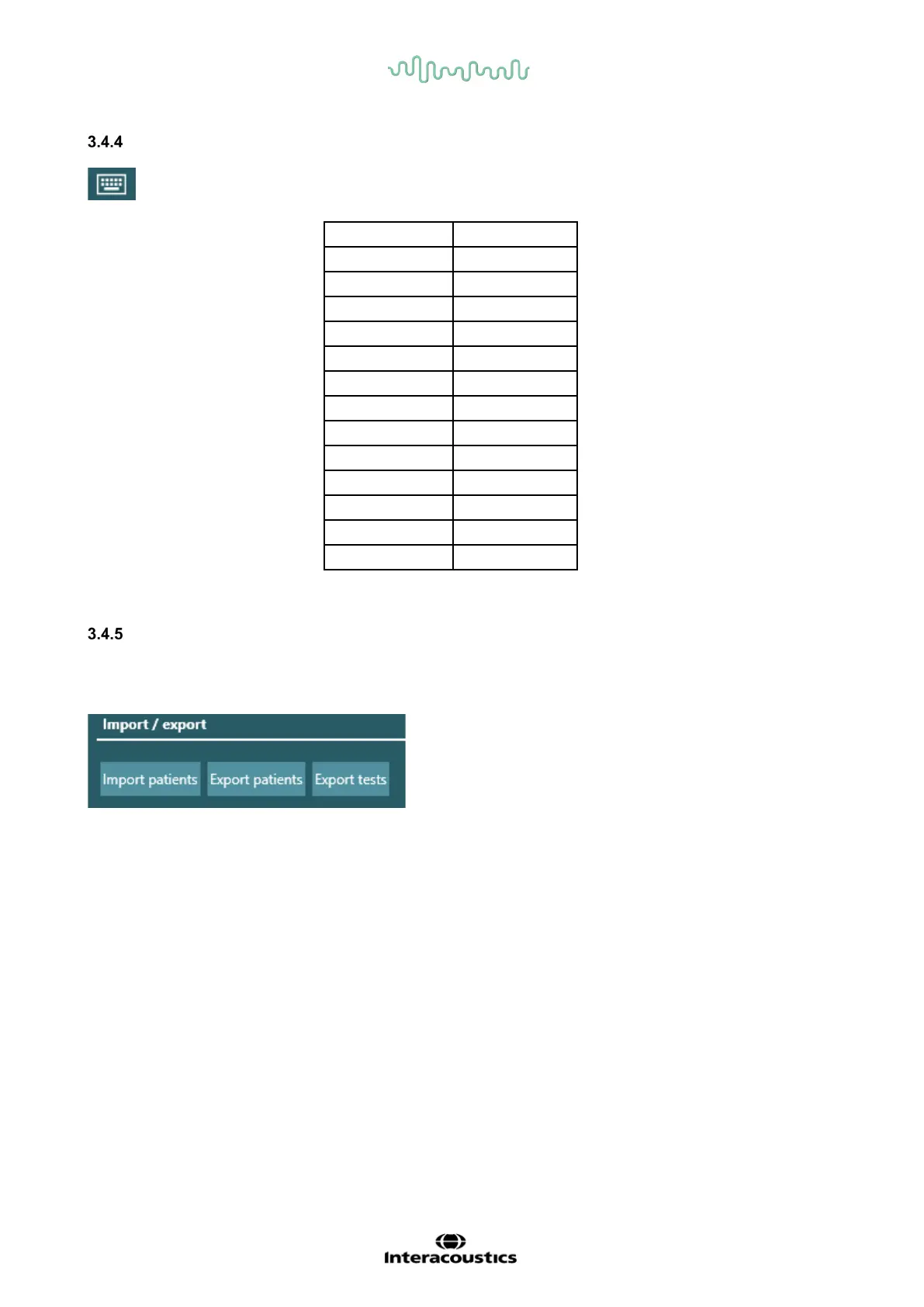
It is possible to import patients to the Luna Suite. They must be saved in XML files to be able to be read
in the Luna suite. Only correct files will be shown when searching for patients to import.
When clicking “export patients”, it is possible to export all patients or just some, by choosing export filters.
By choosing filters it is possible to export patients in smaller groups or separately. If no filters are set, all
patients will be exported to the same file.



 To Next Page