D-0128842-E – 2023/10
Luna - Instructions for Use - US Page 22
Tests
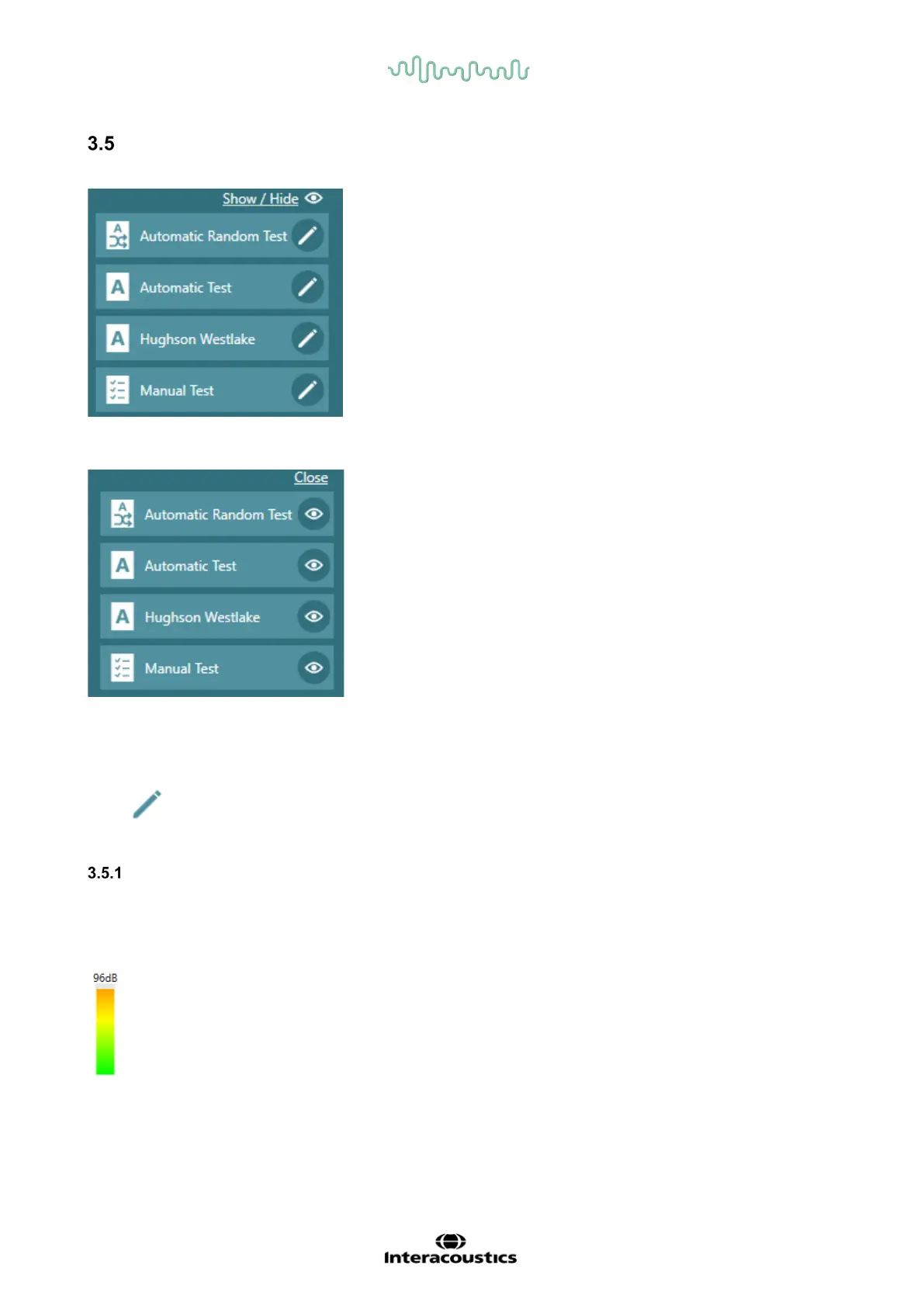
In the bottom right side of the Suite window, all available tests will be visible.
Above the tests, the text Hide/show can be clicked to make the option for Hide/show tests available.
The ones with eye icon next to them, are the ones that are visible. To hide a test, the eye icon must be
clicked to remove the test. When changes are made, the close button at the top will collapse the edit
mode and only show the tests chosen.
Click to enter test setup
Ambient noise
An ambient noise bar will be visible in the bottom right corner for all test windows to indicate when the test
can be performed in acceptable noise and when the noise levels are too high in the surroundings. The
levels will vary depending on which frequency is being tested and is in compliance with ISO 8253.
Green color indicates acceptable noise levels.
Yellow indicates slightly too much noise, and adjustments in surroundings should be made.
Orange indicates not acceptable levels for testing.



 To Next Page