D-0128842-E – 2023/10
Luna - Instructions for Use - US Page 30
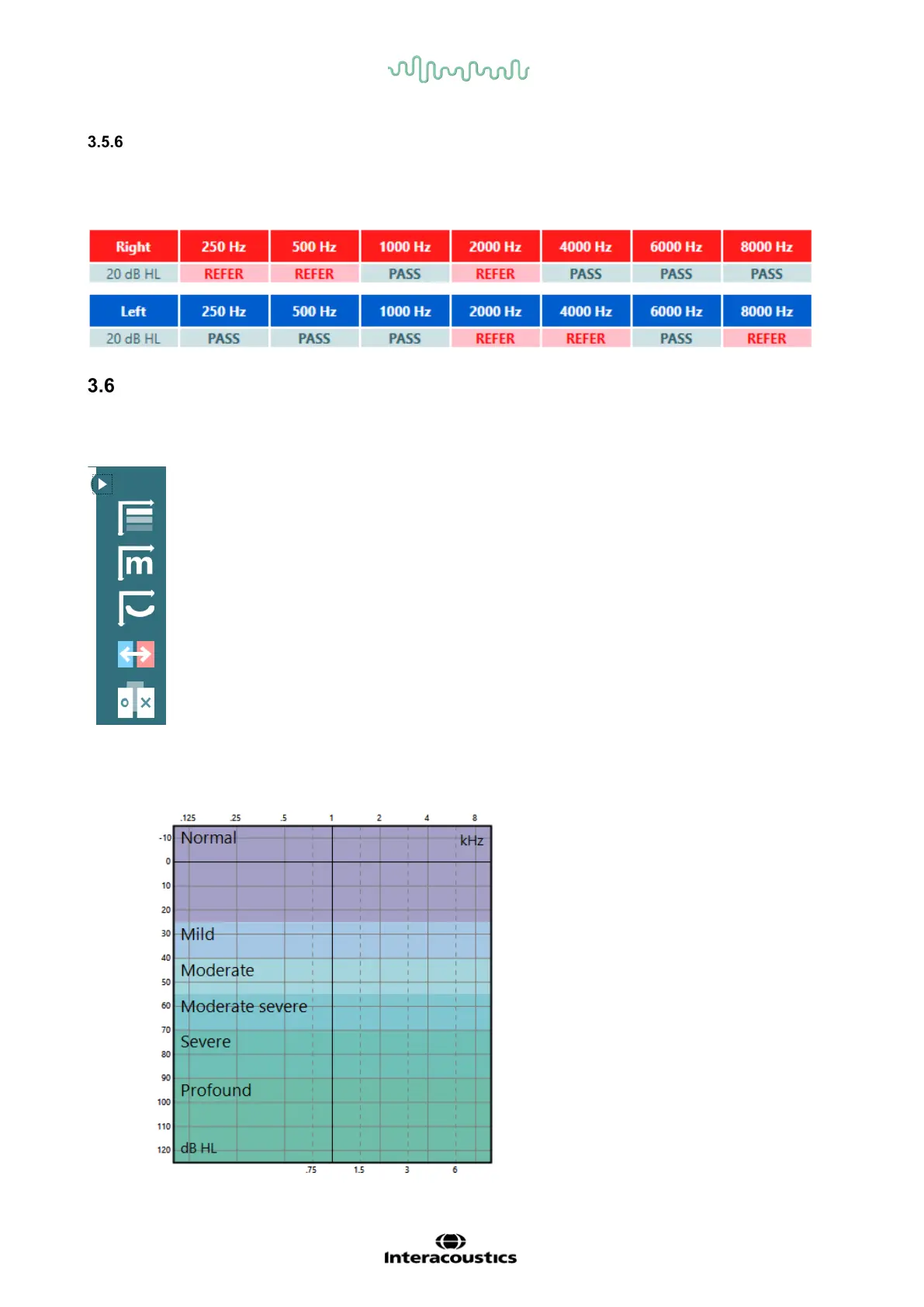
Table view with pass/refer criteria
When going to setting for the automatic test and automatic random test, it is possible to change the view
from graph view to table view by setting start and stop intensity to the same. This is relevant if you wish to
make a quick estimation of the hearing by performing a one intensity screening. The result will be shown
as pass/refer and not with dB as in graph mode.
Overlays
In the left side of the Suite, a fold out menu is available with different overlays and features for the
audiogram
The top one will display the severity overlay



 To Next Page