D-0128842-E – 2023/10
Luna - Instructions for Use - US Page 31
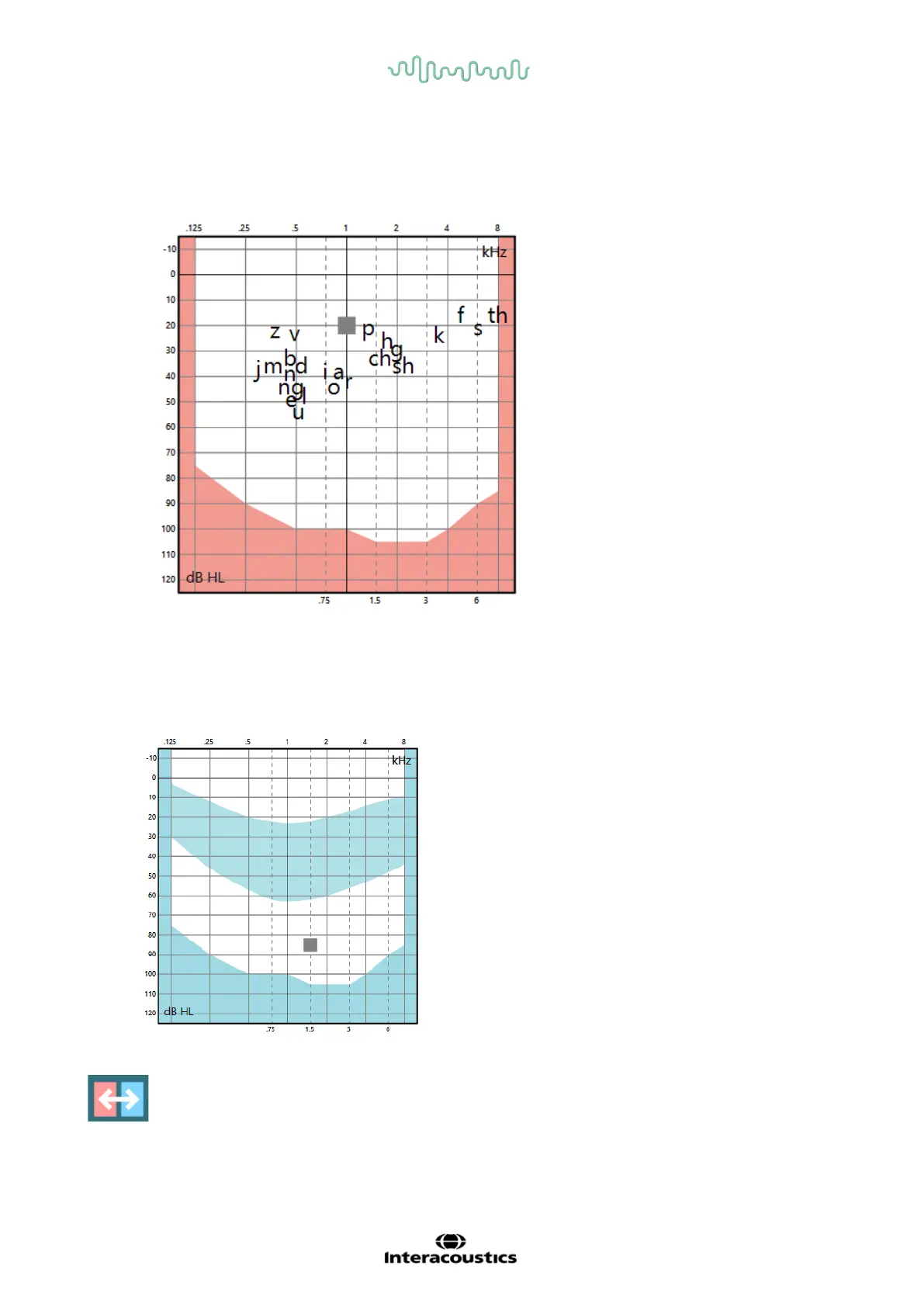
The next overlay shows the phonemes to illustrate to the user and client which phonemes are outside the
audible field.
The speech banana will indicate in which area the speech is located, and will give the user and client a
tool to discuss speech understanding.
By clicking this icon in the foldout bar, the audiograms will change sides so the left will be shown
left, and the right will be shown to the right, if clicked.



 To Next Page