D-0128842-E – 2023/10
Luna - Instructions for Use - US Page 13
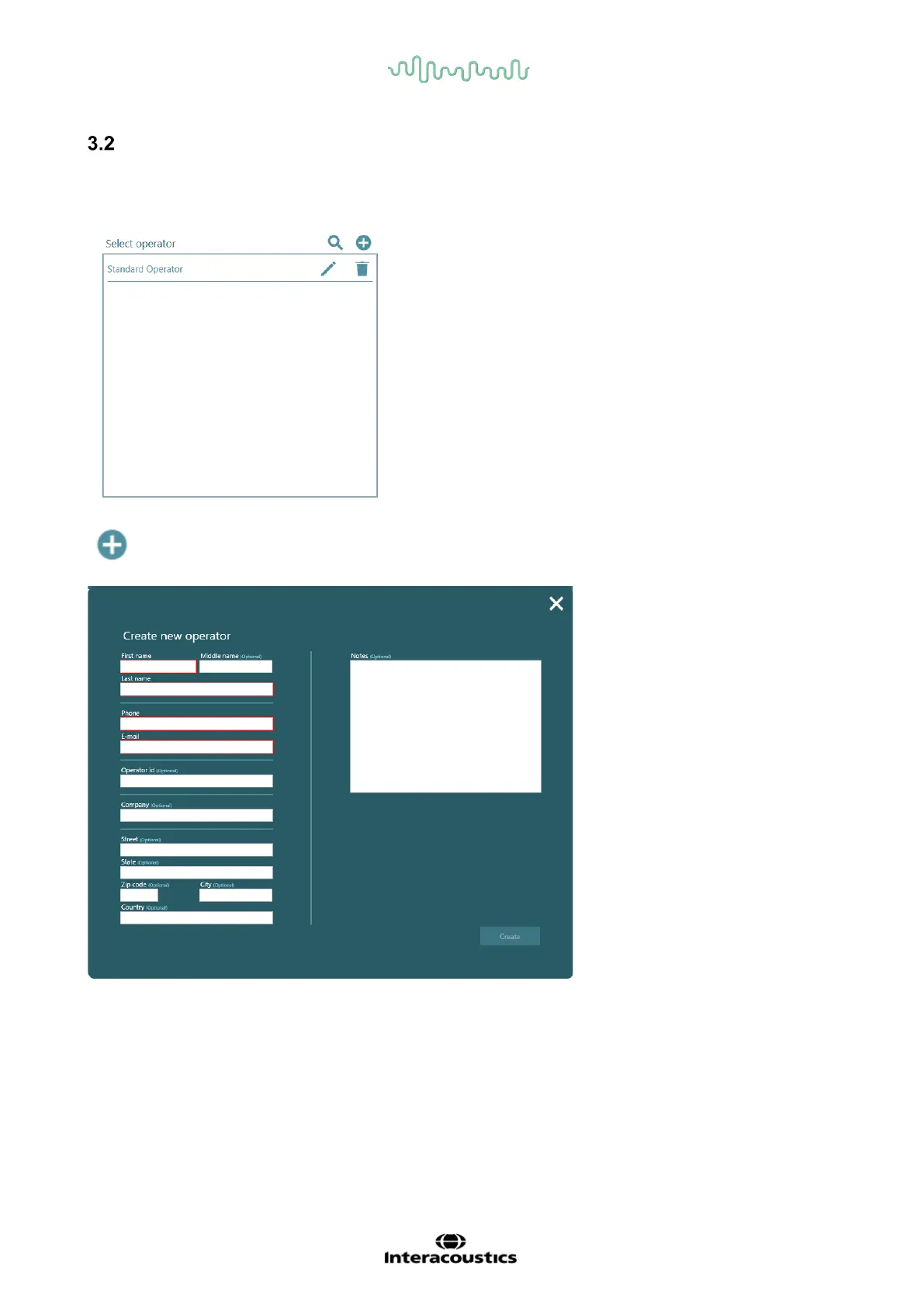
How to create an operator
A standard operator will always be present, when the license key has been activated. There is no
information to this operator, but it can be changed, or it is possible to delete the operator.
Create new operator – A new pop-up window opens, when this icon is clicked.
If Mandatory patient fields are checked under settings, there will also be mandatory fields for operator –
here shown with red boxes. If they are not filled, the “Create” button will not be active.
Notes written in here will only be visible here.
All optional information will be shown in the PDF file under “Printed by”
First and last name will be shown in the PDF file under “Performed by”



 To Next Page