D-0128842-E – 2023/10
Luna - Instructions for Use - US Page 25
Automatic Test
The Automatic Test will allow the user to instruct the client and start the test with no need to do any
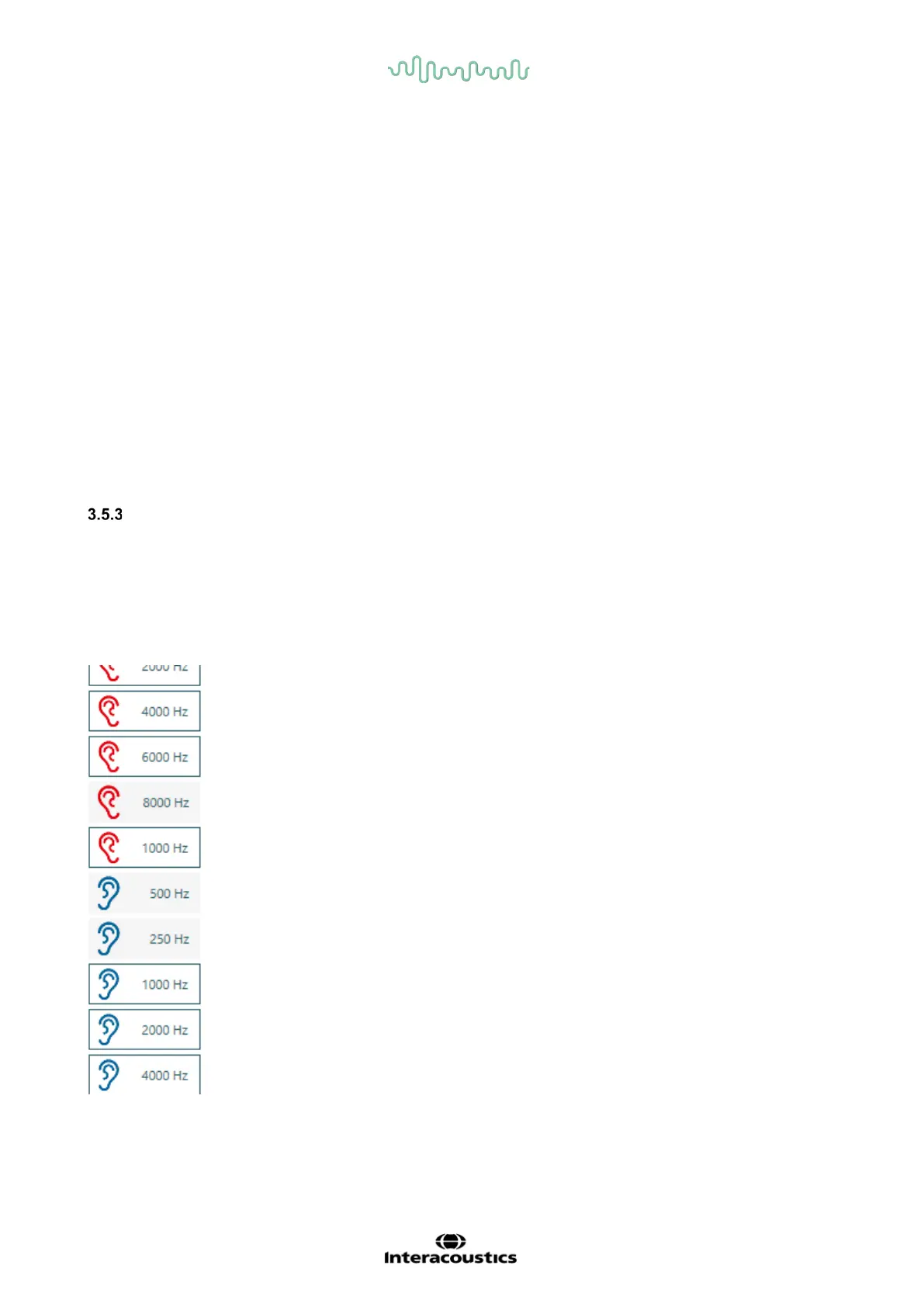
further before the test is done. It is possible in settings to choose which frequencies need to be tested. It
is also possible when entering the test to uncheck the frequencies that is not needed, so only the
important frequencies will be tested. This is done in the right side of the test screen by clicking on the
frequency that is not needed, and it will be greyed out to show it will not be tested.
This can also be done during test.
Settings and tests screen will be like Automatic Random Test – See section 3.5.2.
This setting decides the minimum start dB level for each frequency.
Example: If you only want to test at 20 dB and never below, you set this
value at 20 dB.
125, 250, 500 ,750, 1000, 1500, 2000, 3000, 4000, 6000, 8000 Hz
The frequency you want your test to begin with.
In which side the test should commence.
When a tone is ”not heard” the dB automatically increases with either 5 or
10 dB.
Ambient noise
You may choose between Tone, Warble, Pulse.
By enabling Ambient noise, a monitor bar will appear to show the user the
noise level. The bar changes color depending on the noise level.



 To Next Page