D-0128842-E – 2023/10
Luna - Instructions for Use - US Page 28
You may choose between 2/3 and 3/5. Depending on how
many similar answers you want before changing
Test mode Global will always be default. ZAF is a special setting for
South Africa
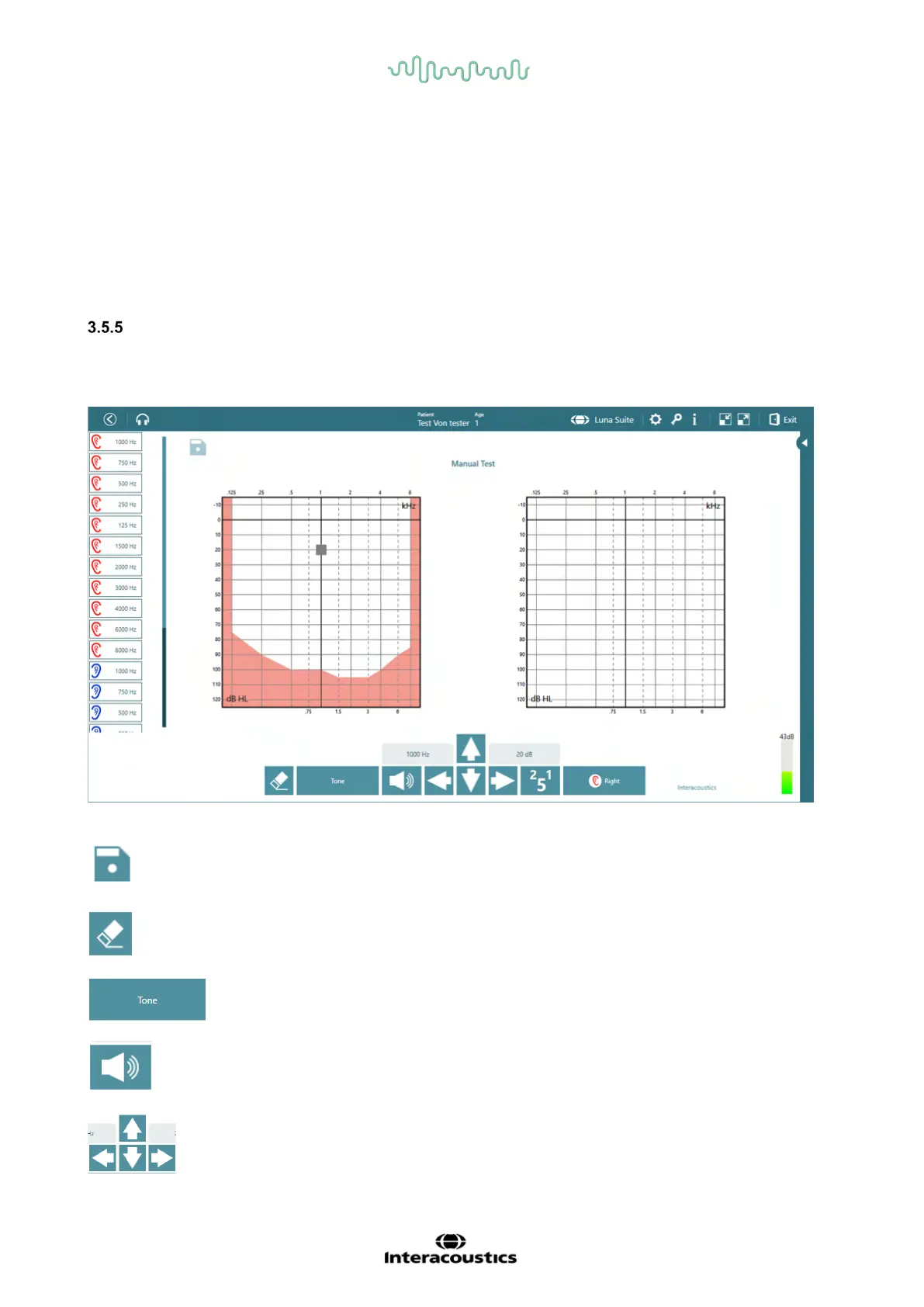
Manual Test
The manual test allows the user to control the testing. This is done by performing the audiometry while
using keyboard strokes or function keys on screen directly in the Suite.
On the right side, all test frequencies are shown and can be disabled or enabled, if needed.
After the test is done, the floppy disc is clicked to save the test
deletes the threshold that is marked with the grey box
This allows the user to toggle between test signals: Tone, Warble and Pulse
Send the test tone when clicked. This can also be activated by using spacebar on the keyboard
The arrows are used to navigate in frequencies and intensities. Arrows on keyboard can
also be used



 To Next Page