OtoRead Screener Operating Instructions Page 18
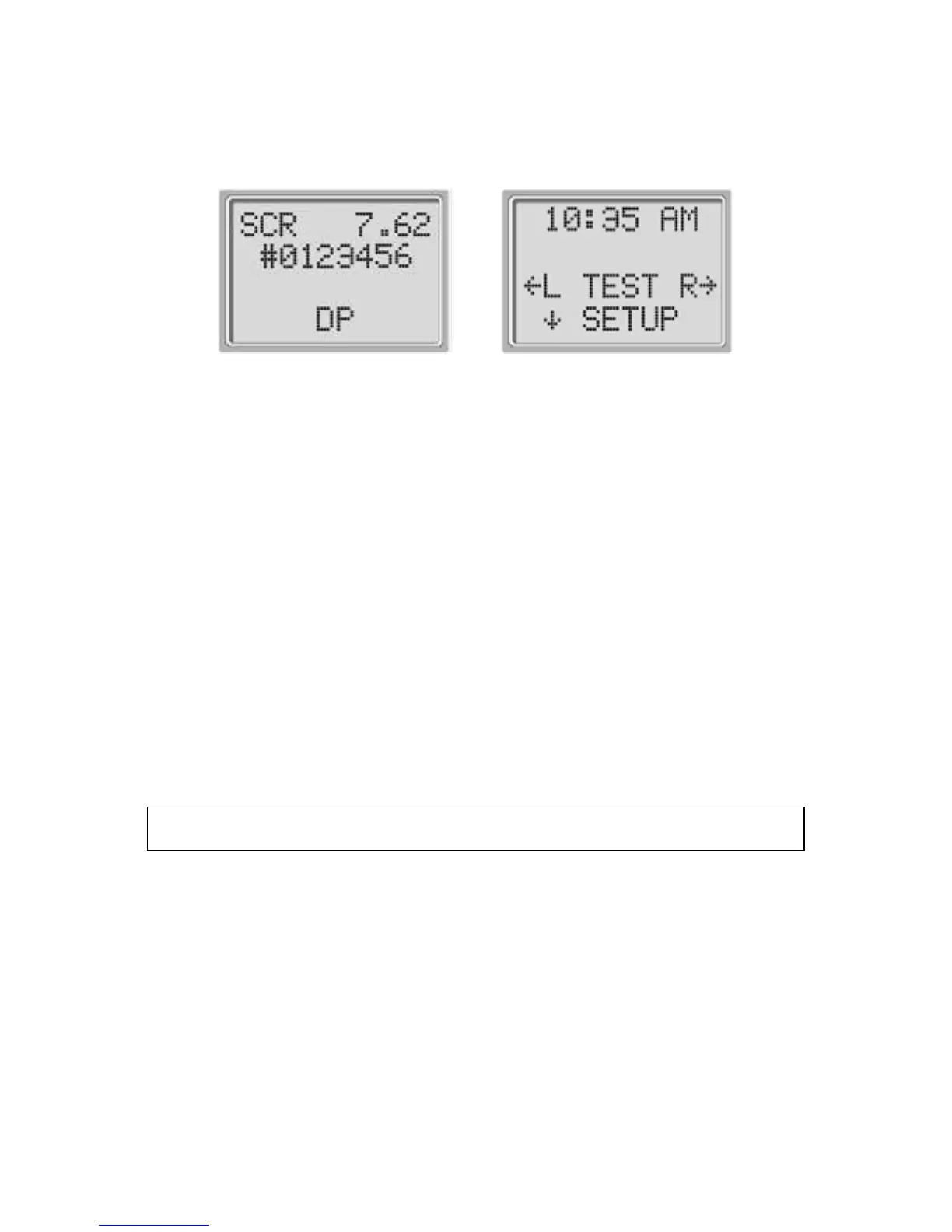
no date/time errors detected, the Main Menu (Display # 2) will
appear on the display.
Display # 1
Display # 2
NOTE: If this is the first time the OtoRead instrument is
being used, or if you wish to change the date or time, see
Setting the Clock on page 26 for instructions on setting the
correct date and time.
Automatic Shutdown
The OtoRead instrument has an automatic “shutdown” feature,
designed to prolong battery life. The unit will automatically
shut down after 1 minute (default) of inactivity. To turn it back
on, simply press the DOWN Key. This feature can be re-
programmed for various periods of inactivity before
“shutdown.” (See the Changing Instrument Settings – Auto-
Shutdown Time section on page 29 for further information on
this feature.)
Testing in the Default Modes
See Appendix A for a detailed explanation of Test Sequence
For either DPOAEs or TEOAEs there is a default test protocol.
The settings for testing in the default DP protocol are as follows:
Number of Frequencies Tested = 4
Averaging Time = 4
Seconds Frequency Range = 2 kHz to 5 kHz
Pass SNR (Signal-to-Noise Ratio) = 6 dB
P1 (Intensity of F1 in dB SPL) = 65















 To Next Page