OtoRead Screener Changing Instrument Settings Page 32
Display # 24
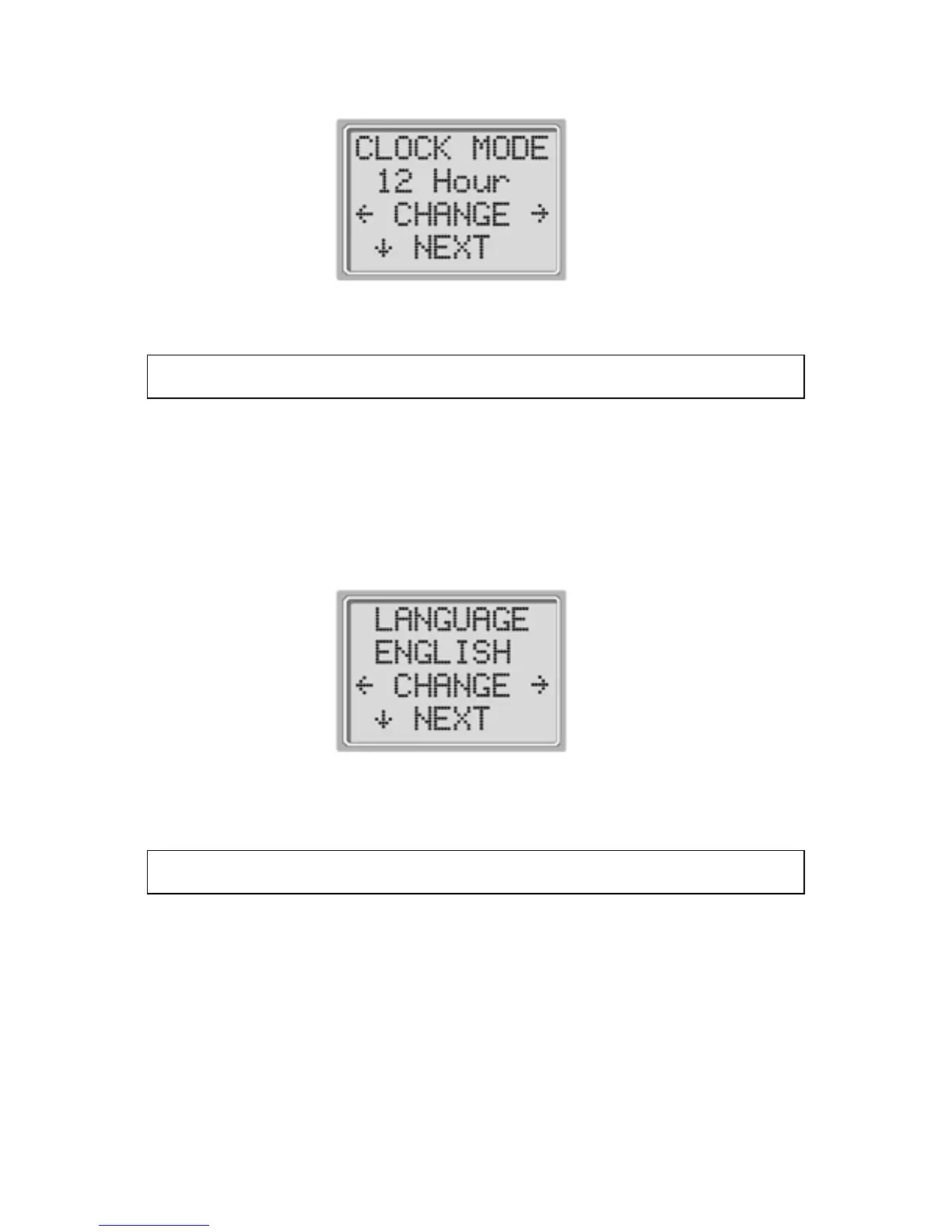
Language
The Language setting allows the user to select among several
languages.
Language options include English, German, Spanish, and French.
To change the language, press the CHANGE keys until the desired
language is shown. Press the NEXT to exit this menu.
Display # 25
Reset to Default
Selecting the LEFT or RIGHT arrow key in the Reset to Default
menu (Display # 26) will return the instrument settings to their
original factory settings. (NOTE: This does not affect the Custom
settings.)















 To Next Page