OtoRead Screener Changing Instrument Settings Page 28
Changing Instrument Settings
The OtoRead instrument allows the user to change many of the
instrument's settings or functions. These settings include Test Mode
(DP Screener only), Clearing Test Results, Auto-Shutdown Time,
Minimum Amplitude Value, Save Mode, Clock Mode, Language, and
Reset to Default Settings.
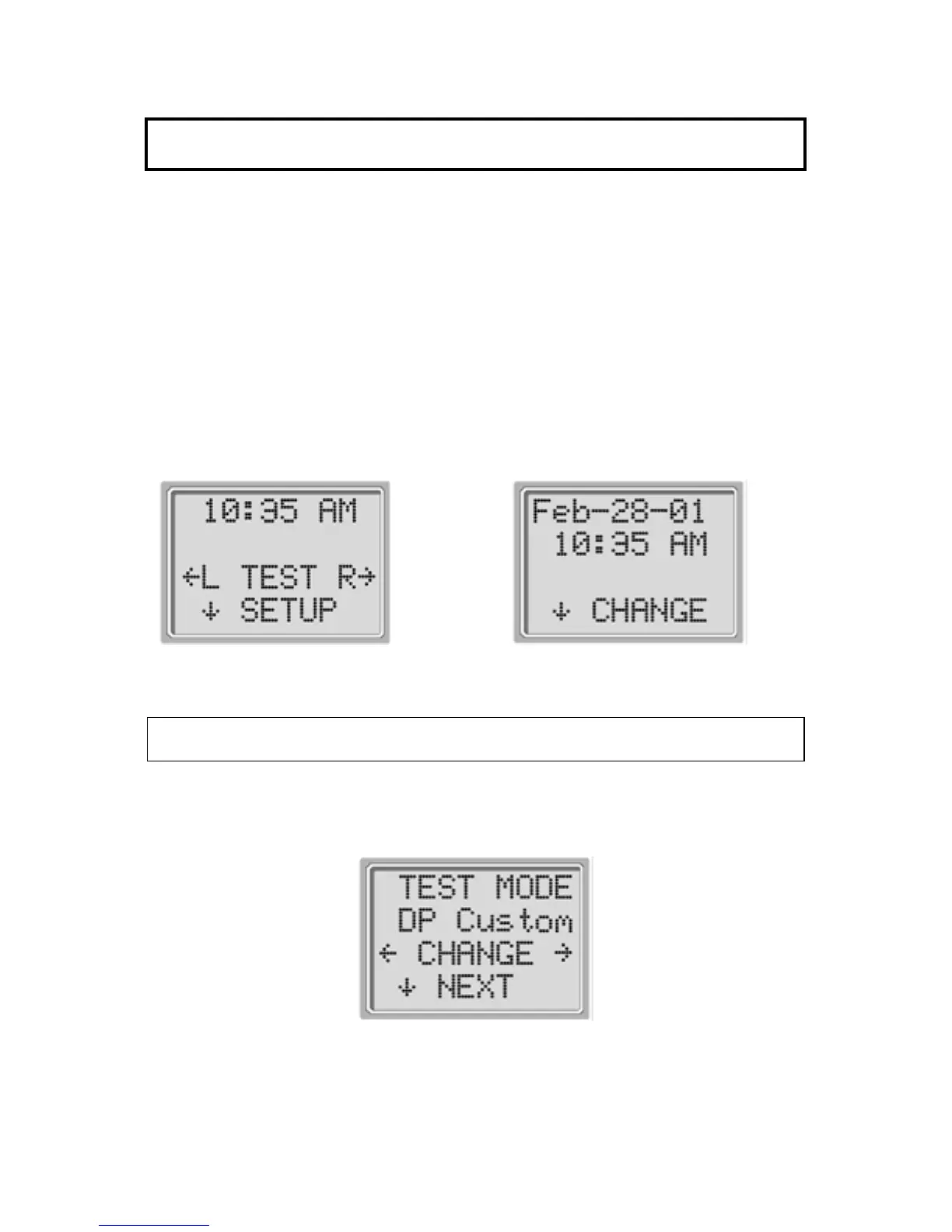
To access the menus to change these functions, press the SETUP
key from the Main Menu (Display # 16) to enter the CHANGE menu
(Display # 17). At this menu, hold down the CHANGE key for 3
seconds until the Ready light (green LED) turns off. Releasing the
key will then access the menus to change the instrument settings.
Display # 16
Display # 17
Test Mode
The test mode menu (Display # 18) allows the user of a DP Screener
to change the test protocol between DP and DP Custom.
Display # 18















 To Next Page