OtoRead Screener Operating Instructions Page 27
on the display, press the DOWN key to enter the day selection
screen (Display # 12).
Pressing the LEFT or RIGHT keys will scroll through the days of the
month. After the correct day is selected, press the DOWN key to
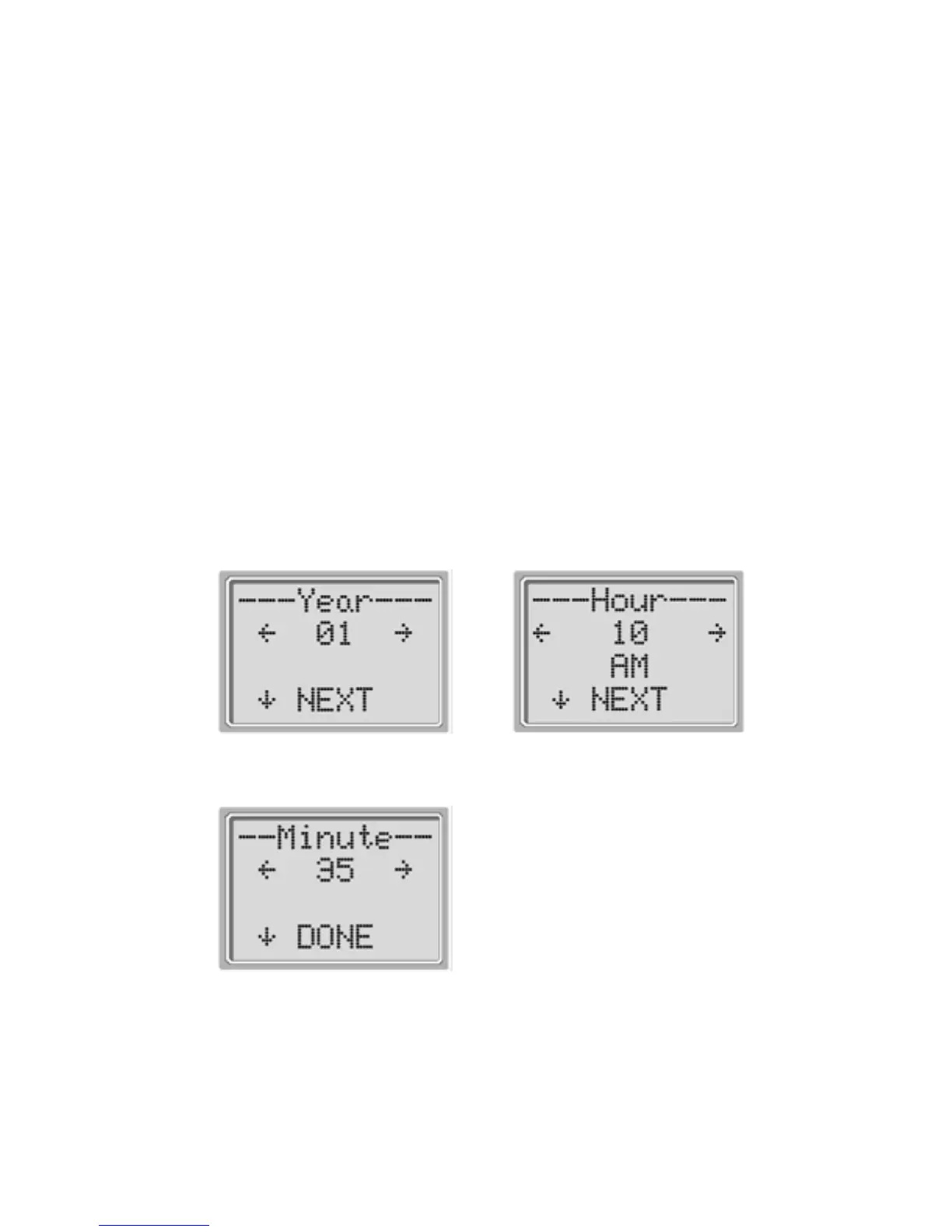
enter the year selection (Display # 13). Pressing the LEFT or RIGHT
keys will scroll through the years.
When the correct year is selected, press the DOWN arrow key to
enter the hour menu (Display # 14). Again use the LEFT or RIGHT
arrow keys to set the correct hour. Press the DOWN arrow key to
enter the minute menu (Display # 15) and use the LEFT or RIGHT
arrows to select the correct minute. When the correct minute is
selected, pressing the DOWN arrow key will return to the Main
Menu.
The time and date changes are automatically saved.
Display # 13
Display # 14
Display # 15















 To Next Page