OtoRead Screener Changing Instrument Settings Page 31
To print, select MAIN MENU, turn on the printer, and set the
instrument on its cradle. All stored tests will be printed. The results
stay in the memory after they have been printed, but will be erased
once new testing is begun.
Minimum Amplitude
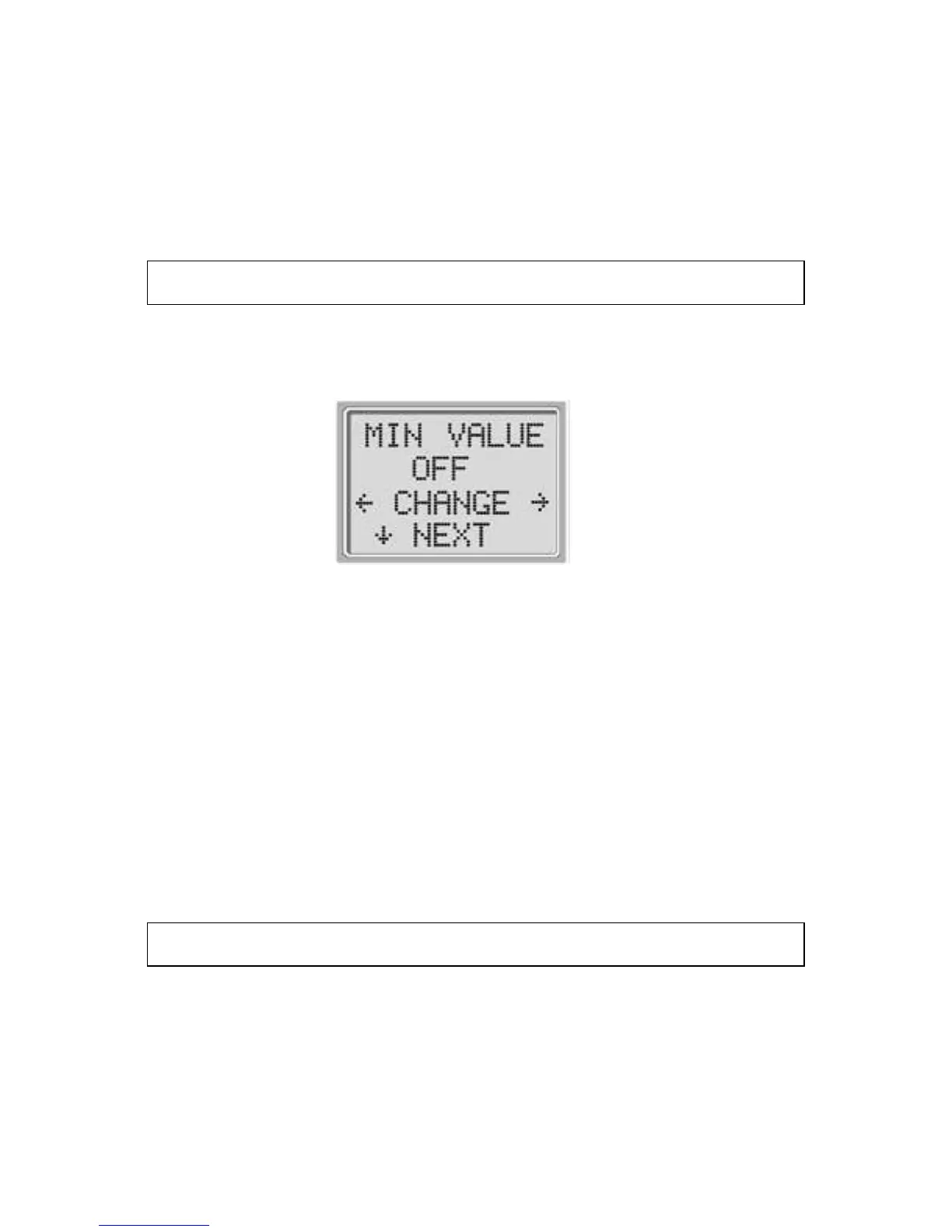
Select the down NEXT key to exit this menu. The Minimum
Amplitude screen is displayed.
Display # 23
This setting allows the user to set the unit to include minimum
amplitude values in the pass/refer criterion. If the MIN VALUE is set
to “ON”, a result is not considered a pass unless the amplitude at
each frequency is equal to or greater than the minimum value
programmed into the unit. This is in addition to meeting the other
pass criteria including the minimum SNR and the number of passing
frequencies for overall test “Pass.” The OtoRead is set with this
feature turned off when it is shipped from the factory.
The minimum DP amplitude is -5 dB SPL.
The minimum TE amplitude is -12 dB SPL.
Clock Mode
Select the NEXT key to enter the Clock Mode (Display # 24). This
menu allows the user to change the clock from a 12 hour mode to a
24 hour mode. To change the clock mode, press the CHANGE keys.
Press the NEXT to exit this menu.















 To Next Page