Chapter 1 — Using the CK32 I-Safe Handheld Computer
CK32 I-Safe Handheld Computer User’s Manual 3
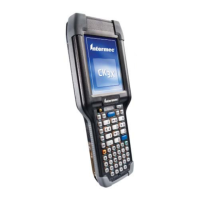
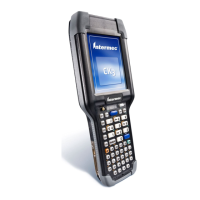
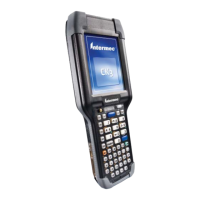
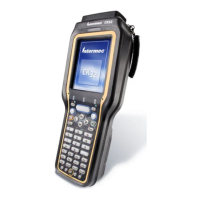
The CK32 I-Safe includes these features:
• PXA270 Intel Processor
• Windows Mobile 5.0 Operating System
• Voice over IP support. User responsible for software
integration.
• Bluetooth support for scanner, RFID, Voice
• 128 MB DRAM, 64 MB Flash
• 512 MB embedded SD Mass Storage Card
• Intrinsic safety certification for North America, Europe and
countries accepting IECEx Scheme
• European directive compliance
These options are available for the CK32 I-Safe:
• TE 2000 terminal emulation application including 3270,
5250, VT/ANSI, and Native as well as support for third-party
TE applications
• Data Collection Browser (dcBrowser™) application
Use this manual to understand how to use the features and
options available on the CK32 I-Safe. For additional help using
terminal emulation, see the TE 2000 Terminal Emulation
Programmer’s Guide (P/N 977-055-xxx).
For additional help using dcBrowser, see the documentation that
ships with the dcBrowser gateway software or the Data Collection
Browser Client User’s Guide (P/N 070-011-xxx).
iBrowse is a locked-down web browser for Intermec devices that
is compatible with Microsoft’s Internet Explorer but does not
allow the user to exit the browser or access non-work related web
sites. For additional help using iBrowse, see the iBrowse User’s
Guide (P/N 961-055-xxx).
For a complete list of accessories, see “Accessories” on page 124.


 To Next Page