KNX Universal Interface
Product Manual
©2019 INTERRA 7 PM190207005BEN
1. FUNCTIONAL DESCRIPTION
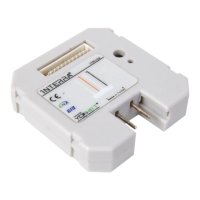
The KNX universal interface can be configured as 2, 4 or 6 channels depending on the application: ITR102,
ITR104 or ITR106. The application program can be loaded with ETS3 or higher and supports the applications
which will be described in this manual:
- Send switching commands - 1 bit.
- Send toggle commands - 1 bit.
- Dimming – 1 bit, 4 bit.
- Shutter/Blind control – 1 bit.
- Send a value selected previously – 1 byte, 2 byte.
- 2-Channed Mode – 1 bit, 1 byte, 2 byte.
Most of functions only need one input and therefore each input might be assigned a different function. However
there are also some functions which use two inputs such as “Dimming with 2 buttons” and “Shutter/Blinds with
2 buttons”.
The device also allows configuring some safety general parameters. It is possible to set a time to detect the
presence of the signal when its state changes and to activate a sending of the value “true” periodically when the
device is running.
KNX Universal Interface Family:
Note:
In this documentation, the bold values in the values column of tables are the factory settings (default values).
Type and number of the available objects depending on the settings with ETS. Visible objects might vary
according to settings you have already made. In this documentation, all objetcs are always shown.


 To Next Page