EasyManua.ls Logo

Invacare 300 - User Manual

Invacare 300
72 pages
Print Icon
To Next Page IconTo Next Page
Loading...
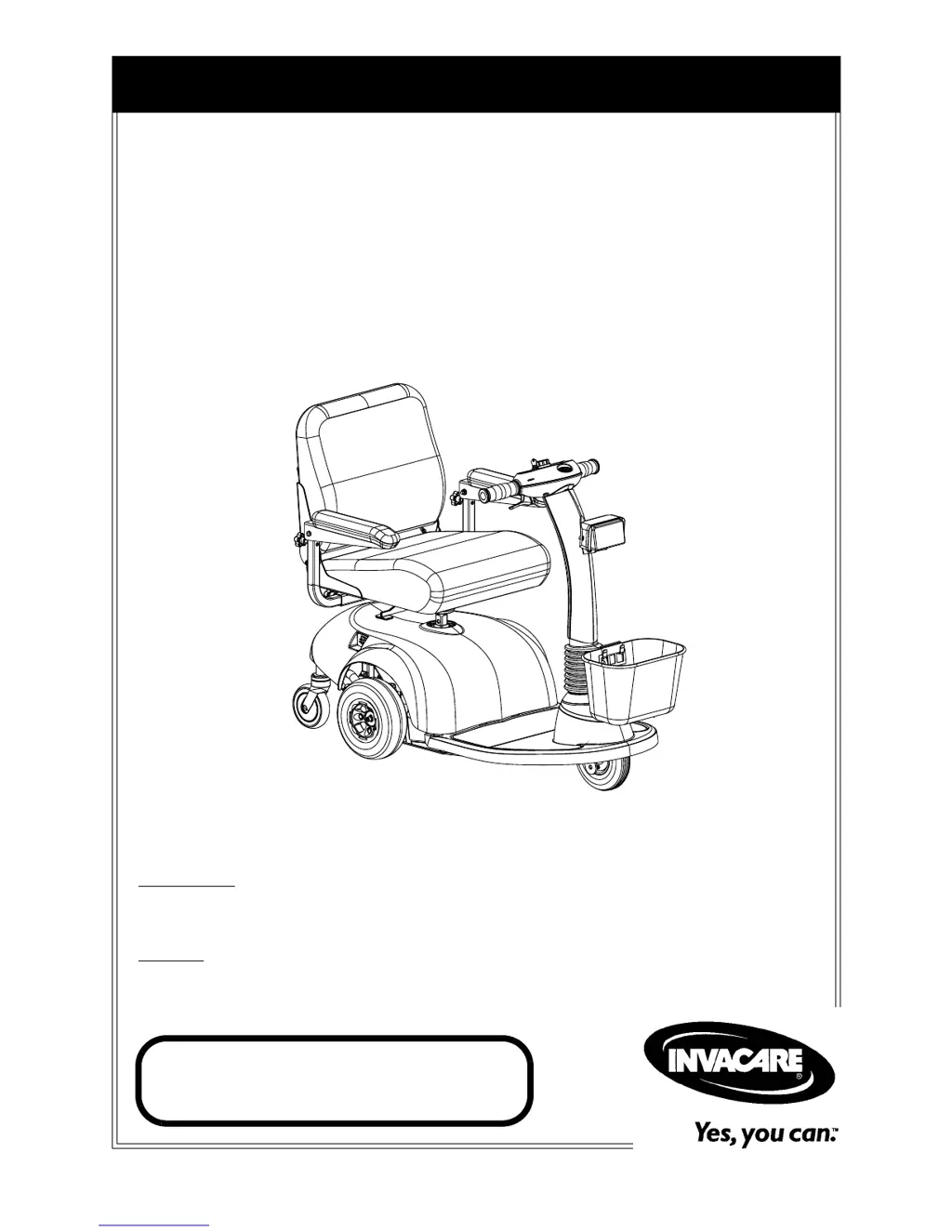
Owner’s Operator and Maintenance Manual
DEALER: This manual MUST be given to
the user of the scooter.
USER:
BEFORE using this scooter, read this
manual and save for future reference.
For more information regarding
Invacare products, parts, and services,
please visit www.invacare.com
HMV
Highly
Maneuverable Vehicle
Zoom
300 and Zoom
400

Table of Contents

Questions and Answers

  • M
    Mr. Gabriel MaddoxJul 30, 2025
    Why is my Invacare 300 Scooter not driving?
    • S
      Sharon WhiteJul 30, 2025
      Your Invacare Scooter might not drive due to several reasons. First, ensure the brake release lever is engaged. The batteries may need charging, so charge them fully. Check that the key is fully inserted into the key switch. Also, make sure the charger is unplugged from the scooter. If the circuit breaker has tripped, reset it. Finally, if the key was turned off while driving, wait 30 seconds with the key in the off position before turning it back on.
  • C
    Cody Johnson DVMAug 4, 2025
    What to do if Invacare 300 batteries are not charging?
    • M
      maryklineAug 4, 2025
      If your Invacare Scooter batteries are not charging, the charger may be faulty and need replacement. Check all battery connections to ensure they are secure. Try a different wall outlet to rule out power issues. There may be a bad connection on the charger, cable, or internal wiring problem, which may require internal repairs.
  • P
    Pamela SteinAug 11, 2025
    Why does my Invacare 300 Scooter have limited driving distance?
    • S
      svegaAug 11, 2025
      Limited driving distance on your Invacare Scooter can be caused by a battery that hasn't been charged long enough or weak batteries that won't hold a charge. Charge the batteries overnight, ensuring at least eight hours of charge between uses. If the problem persists, consider replacing the batteries.
  • J
    John CookAug 17, 2025
    What to do if battery indicator shows low charge too soon on Invacare Scooter?
    • T
      Todd HahnAug 17, 2025
      If the battery indicator on your Invacare Scooter shows a low charge level too soon after recharging, the charger may not be working correctly or the batteries may be weak. Have the charger checked, serviced, or replaced. If the issue continues, replace the batteries.
  • P
    Patrick JohnsonAug 23, 2025
    Why do Invacare 300 Scooter batteries draw excessive current when charging?
    • E
      Ernest RodriguezAug 25, 2025
      Excessive current draw during charging of your Invacare Scooter batteries typically indicates battery failure. Replace the batteries to resolve this issue.

Summary

Typical Product Parameters

General Guidelines

Weight Limitations

Specifies the maximum weight capacities for Zoom 300 and Zoom 400.

EMI Information

EMI Prevention and Response

Provides warnings and actions to take to minimize EMI risks and effects.

Safety and Handling of Powered Scooters

Stability and Balance

Guidance on maintaining stability and avoiding tip-overs during operation.

Stairway Safety

Strict warnings and procedures for moving scooters on stairs.

Escalator Safety

Prohibits using escalators for scooter transport due to severe injury risk.

Safety Inspection

Initial Inspection and Adjustments

Procedures for initial checks and adjustments to suit user needs.

Maintenance and Troubleshooting

Suggested Maintenance Procedures

Recommended procedures for maintaining the scooter in good working order.

Troubleshooting Common Issues

Provides solutions for common symptoms and operational problems.

Operation of the Powered Scooter

Control Panel Overview

Details the components and functions of the scooter's control panel.

Charging and Status Indicators

Explains the meaning of various indicator lights on the control panel.

Operating Switches and Levers

Describes the function of switches and levers for operating the scooter.

Operating the Scooter Safely

Step-by-step instructions for safe operation and maneuvering.

Brake Release Lever Operation

Instructions on how to use and ensure the brake release lever is engaged.

Seat Adjustments and Maintenance

Tiller Adjustment

Adjusting the Tiller Angle

Procedure for adjusting the tiller angle for comfortable operation.

Wheels and Casters

Drive Wheel Removal and Installation

Detailed procedure for removing and installing the drive wheels.

Batteries

Removing and Installing Batteries (Zoom 300)

Procedure for removing and installing batteries on the Zoom 300 model.

Removing and Installing Batteries (Zoom 400)

Procedure for removing and installing batteries on the Zoom 400 model.

Battery Cable Connection;Disconnection (Zoom 400)

Steps for safely connecting and disconnecting battery cables on Zoom 400.

Charging the Batteries

Instructions on how to charge the scooter's batteries.

Battery Charger Operation and Indicators

Explains how the charger operates and interprets indicator lights.

Transporting the Scooter

Invacare 300 Specifications

General IconGeneral
BrandInvacare
Model300
CategoryScooter
LanguageEnglish

Related product manuals