18 19
Power Management
Power Source
The V60 can be powered from either a battery
pack (PS30) or a Radio.
Getting Started
The V60 automatically starts when connected to
a power source.
Note
If multiple cable failures are detected the priority is:
Headset, COM1, COM2, COM3.
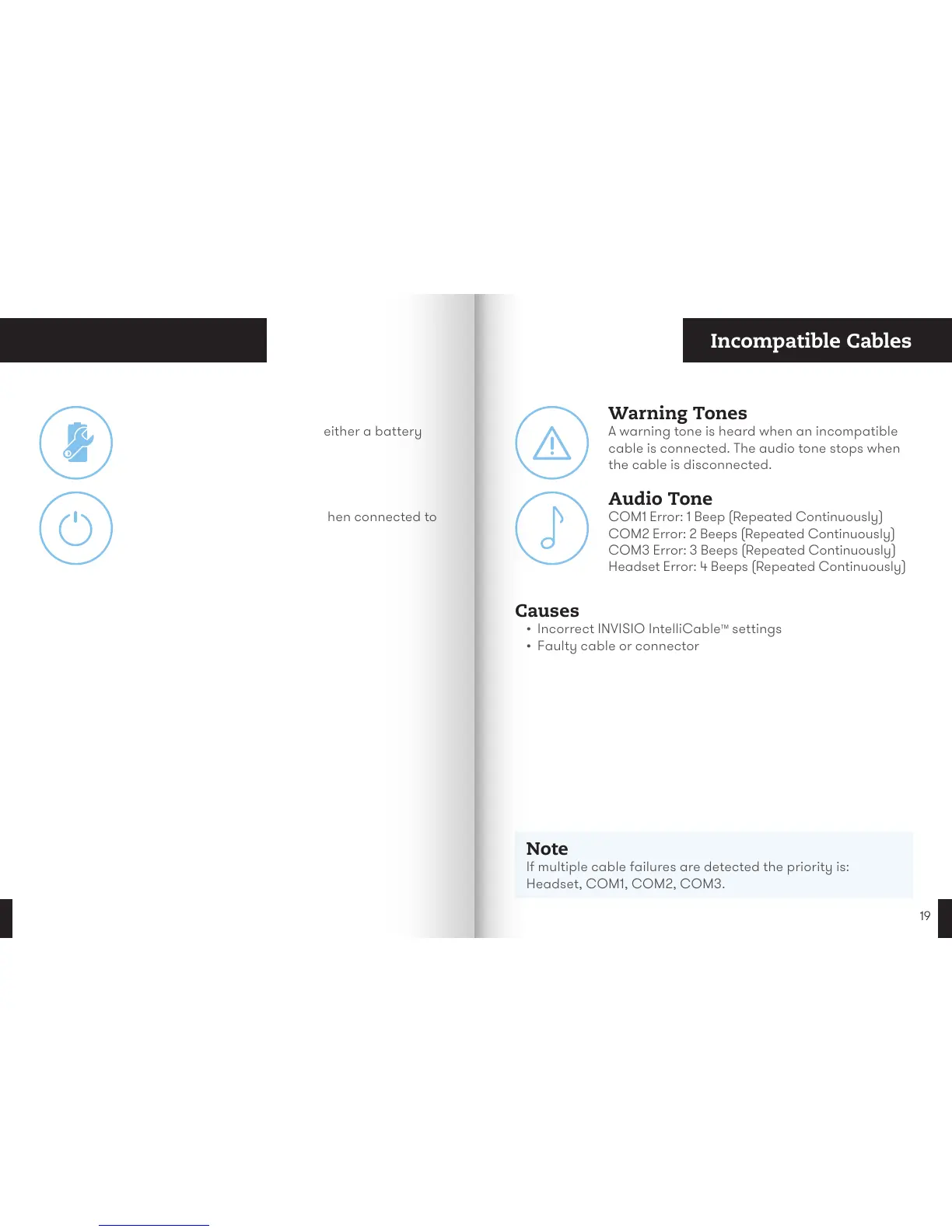
Audio Tone
COM1 Error: 1 Beep (Repeated Continuously)
COM2 Error: 2 Beeps (Repeated Continuously)
COM3 Error: 3 Beeps (Repeated Continuously)
Headset Error: 4 Beeps (Repeated Continuously)
Warning Tones
A warning tone is heard when an incompatible
cable is connected. The audio tone stops when
the cable is disconnected.
Causes
• Incorrect INVISIO IntelliCable
™
settings
• Faulty cable or connector
Incompatible Cables


 To Next Page