12 13
Received Audio SwapReceived Audio
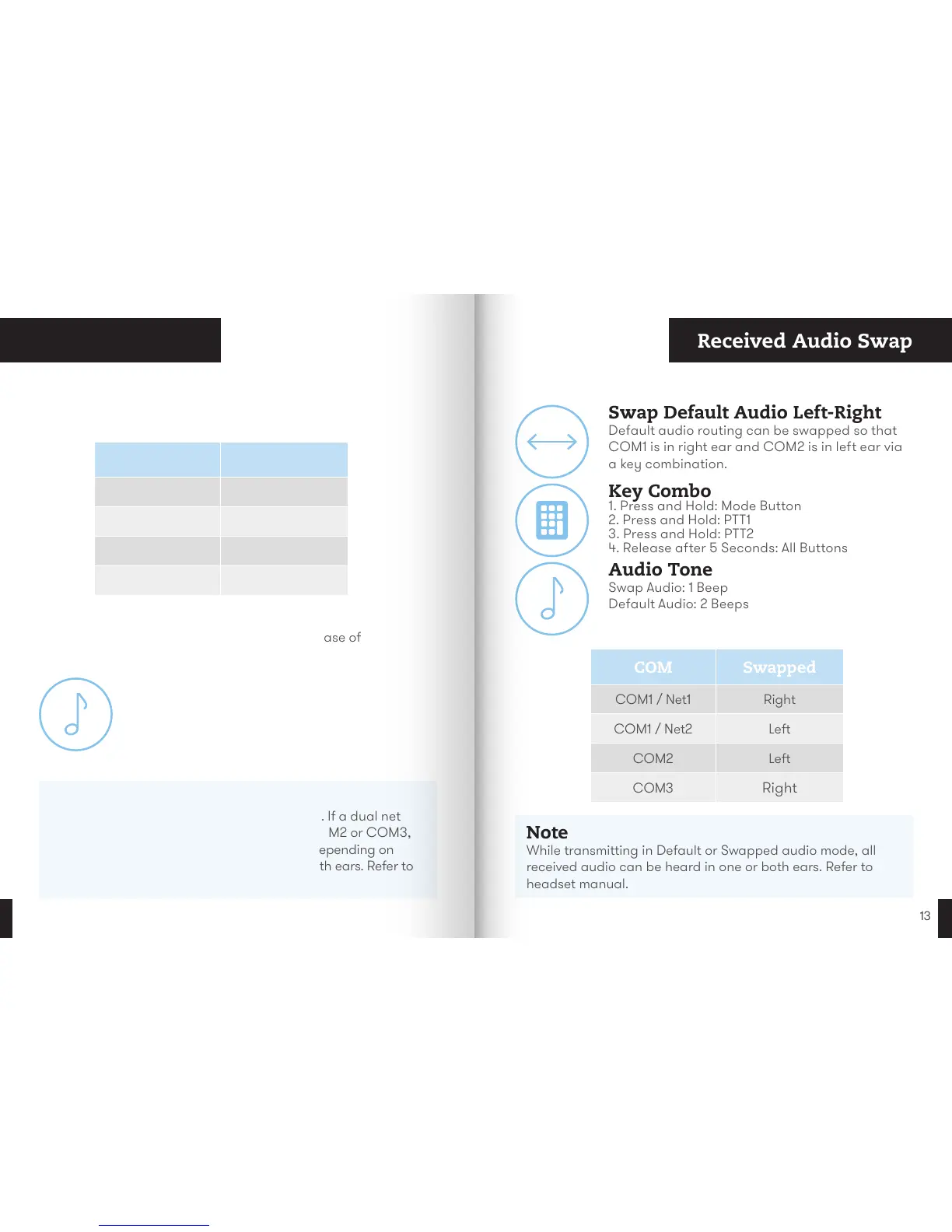
How Audio is Received
Note
COM1 supports dual net left and right audio. If a dual net
left and right audio cable is connected to COM2 or COM3,
only one net is audible. While transmitting, depending on
the headset, audio can be heard in one or both ears. Refer to
headset manual.
PTT Audio Tones
Tones are generated to indicate press and release of
PTT buttons.
Audio Tone
PTT Keyed: 1 Beep
PTT Released: 2 Beeps
COM Default
COM1 / Net1 Left
COM1 / Net2 Right
COM2 Right
COM3 Left
Key Combo
1. Press and Hold: Mode Button
2. Press and Hold: PTT1
3. Press and Hold: PTT2
4. Release after 5 Seconds: All Buttons
Swap Default Audio Left-Right
Default audio routing can be swapped so that
COM1 is in right ear and COM2 is in left ear via
a key combination.
Audio Tone
Swap Audio: 1 Beep
Default Audio: 2 Beeps
COM Swapped
COM1 / Net1 Right
COM1 / Net2 Left
COM2 Left
COM3
Right
Note
While transmitting in Default or Swapped audio mode, all
received audio can be heard in one or both ears. Refer to
headset manual.


 To Next Page