20 21
Troubleshooting
System does not power on
• Check headset is connected
• Check radio is connected and powered on
Bad Audio Transmission
• Please see headset’s user manual for proper usage of
headset. Make sure, if using INVISIO X5 bone conduction
microphone is correctly fitted
• Check cable is connected correctly
No Hear-thru
• Press Mode Button
• Press PTT button to check power is on
Note
Contact your representative if the issue is not resolved.
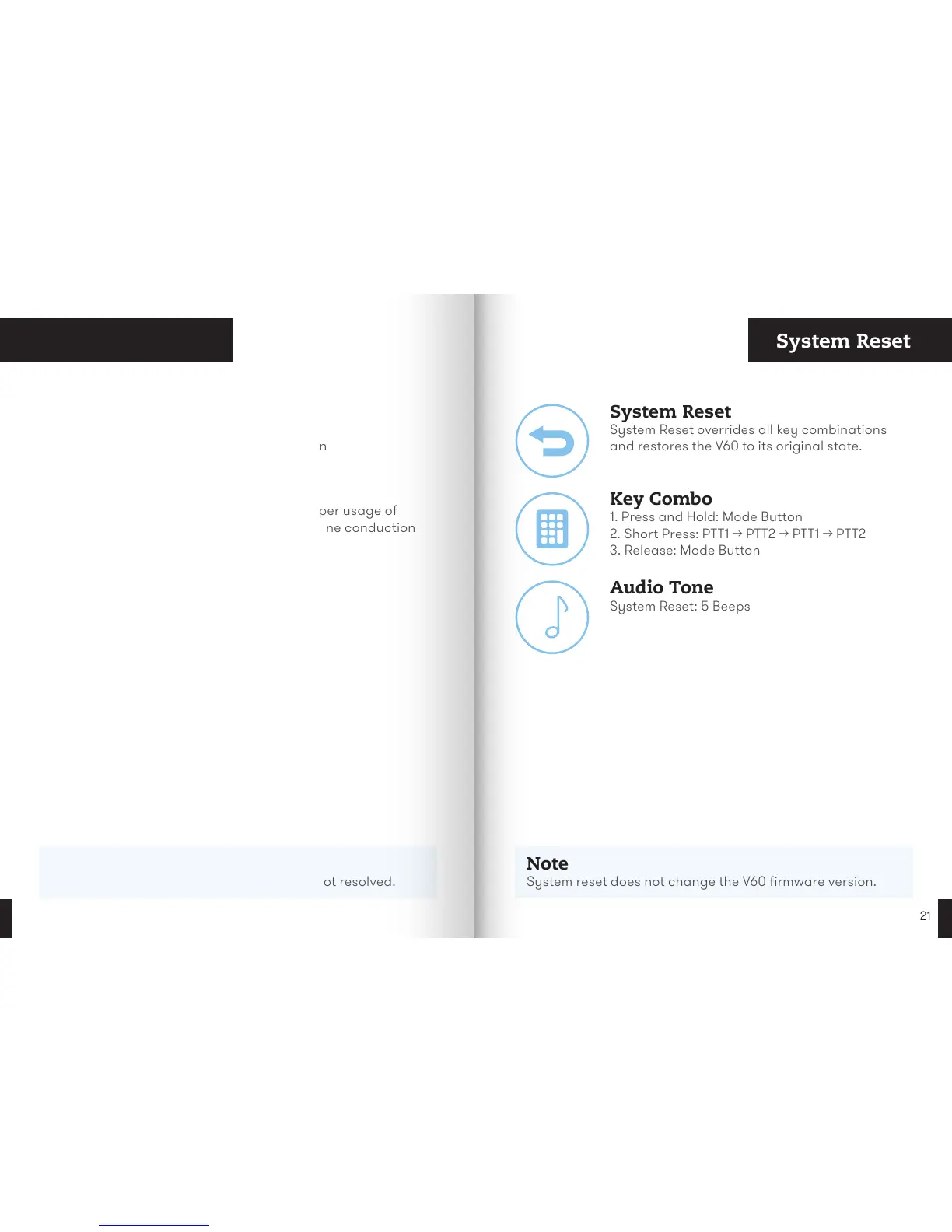
System Reset
Note
System reset does not change the V60 firmware version.
Key Combo
1. Press and Hold: Mode Button
2. Short Press: PTT1 → PTT2 → PTT1 → PTT2
3. Release: Mode Button
System Reset
System Reset overrides all key combinations
and restores the V60 to its original state.
Audio Tone
System Reset: 5 Beeps


 To Next Page