Using the Countess
™
Automated Cell
Counter,
Continued
Cell Counting
Procedure,
continued
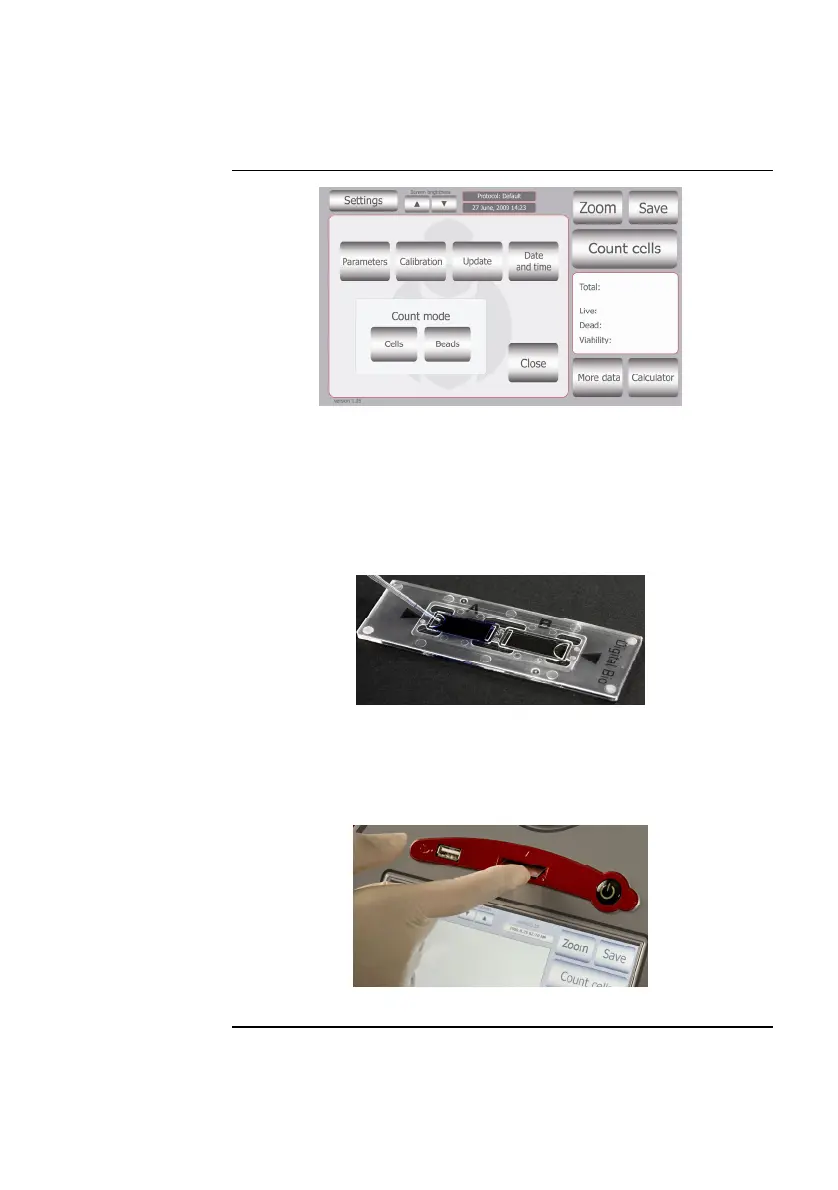
3. Add 10 μL of your sample to 10 μL supplied trypan blue stain.
Mix gently by pipetting up and down.
4. Add 10 μL of the sample mixture to the chamber ports on one
side of the Countess
™
cell counting chamber slide. The two
chambers of the slide are labeled “A” and “B” for easy tracking
of your samples. You can count the cells from one chamber or
both chambers.
5. Insert the Countess
™
cell counting chamber slide, sample side A
first into the slide inlet on the instrument, making sure that the
sample side A is inserted completely into the instrument. You
will hear a soft click, if the slide is pushed in correctly. Each
chamber is counted separately.
6. Press the Count Cells or Next Sample button.
Continued on next page
11



 To Next Page