Using the Countess
™
Automated Cell Counter
The Countess
™
automated cell counter is supplied
precalibrated. However, if you wish to calibrate the Countess
™
automated cell counter, see page 20.
Instructions are provided in this section for preparing the c
ell
sample with trypan blue dye for use with disposable
Countess
™
cell counting chamber slides for automated cell
count using the Countess
™
counter.
Visit www.invitrogen.com/countess
for additional application
notes, technical notes, and a list of validated cell lines
including adherent, primary, and suspension cells that have
been tested using the Countess
™
Automated Cell Counter.
Materials
Needed
Cell sample
Countess
™
cell counting chamber slides (supplied with the
instrument or available separately, page 25)
Trypan blue stain (0.4%); supp
lied with the instrument or
available separately, page 25
Optional:
Countess
™
USB drive for data transfer, supplied with
the instrument or available separately (page 25)
Cell Counting
Procedure
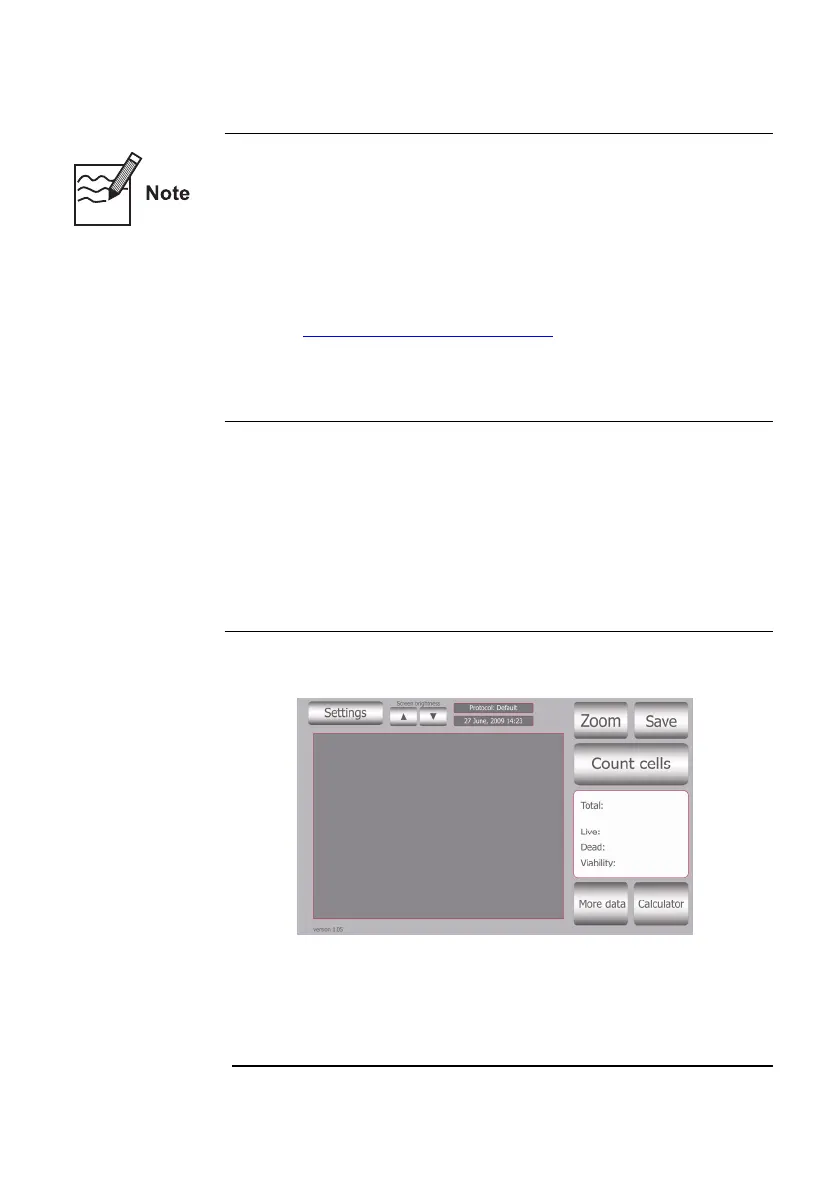
1. Push the Power button to start the instrument. The Start-up
screen is displayed.
2. The Countess
™
automated cell counter is preset to Cell mode.
If you have changed the mode to bead for bead counting (page
17) or calibration (page 21), be sure to change the mode to
Cells Mode prior to coun
ting cells by pressing Settings and
then Cells.
Continued on next page
10



 To Next Page