Using the Countess
™
Automated Cell
Counter,
Continued
Cell Counting
Procedure,
continued
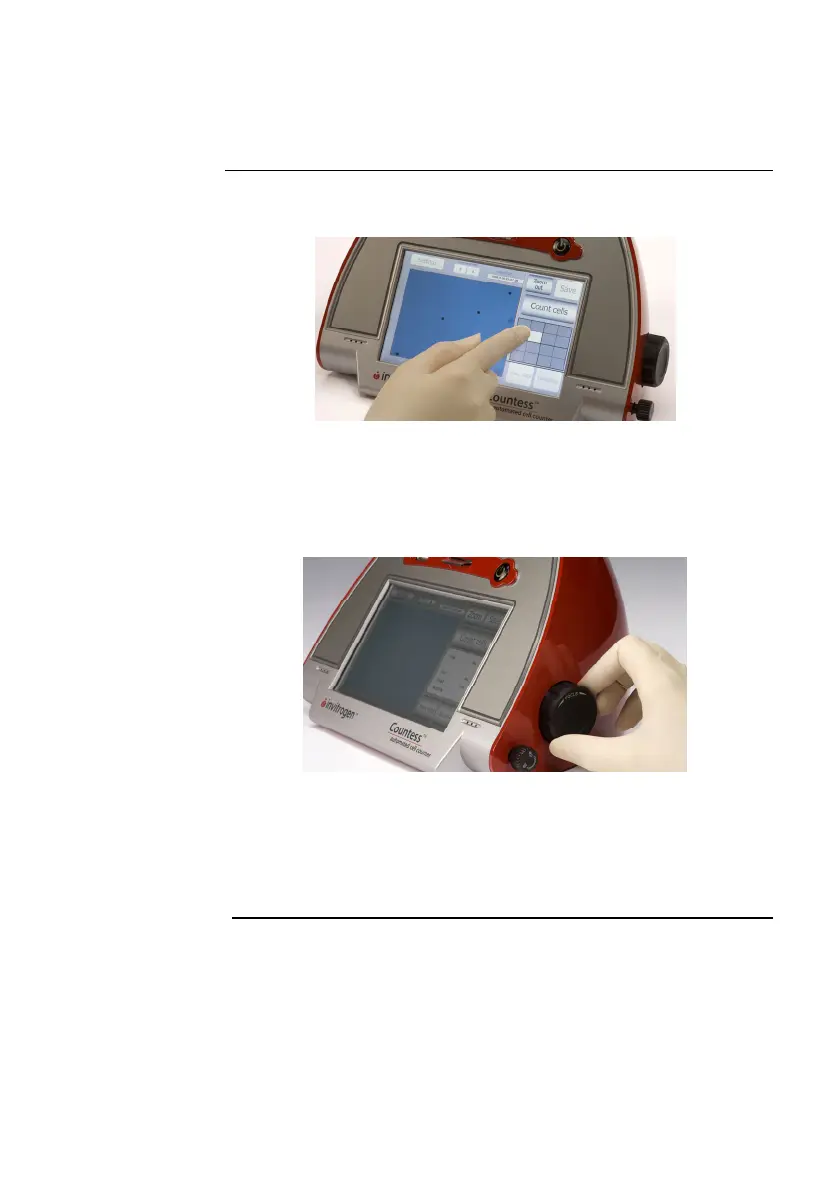
7. Adjust the image by pressing the Zoom button. Navigate by
pressing the location you like to see on the grid.
8. While viewing cells in the Zoom mode, use the Focus knob to
adjust the image.
Note: After you have counted the first sample, you may not have to
use the Focus knob again. If measuring multiple samples of the same
approximate size, you may lock the Focus knob. You are able to
unlock the knob later, to adjust the image.
Optimize the image for analysis such that:
Live cells have bright centers and dark edges (see image,
next page)
Dead cells have a uniform blue color throughout the cell
with no bright centers, (see image, next page)
Continued on next page
12



 To Next Page