Using the Countess
™
Automated Cell
Counter,
Continued
Using the
Beads Mode
for Counting
Beads,
continued
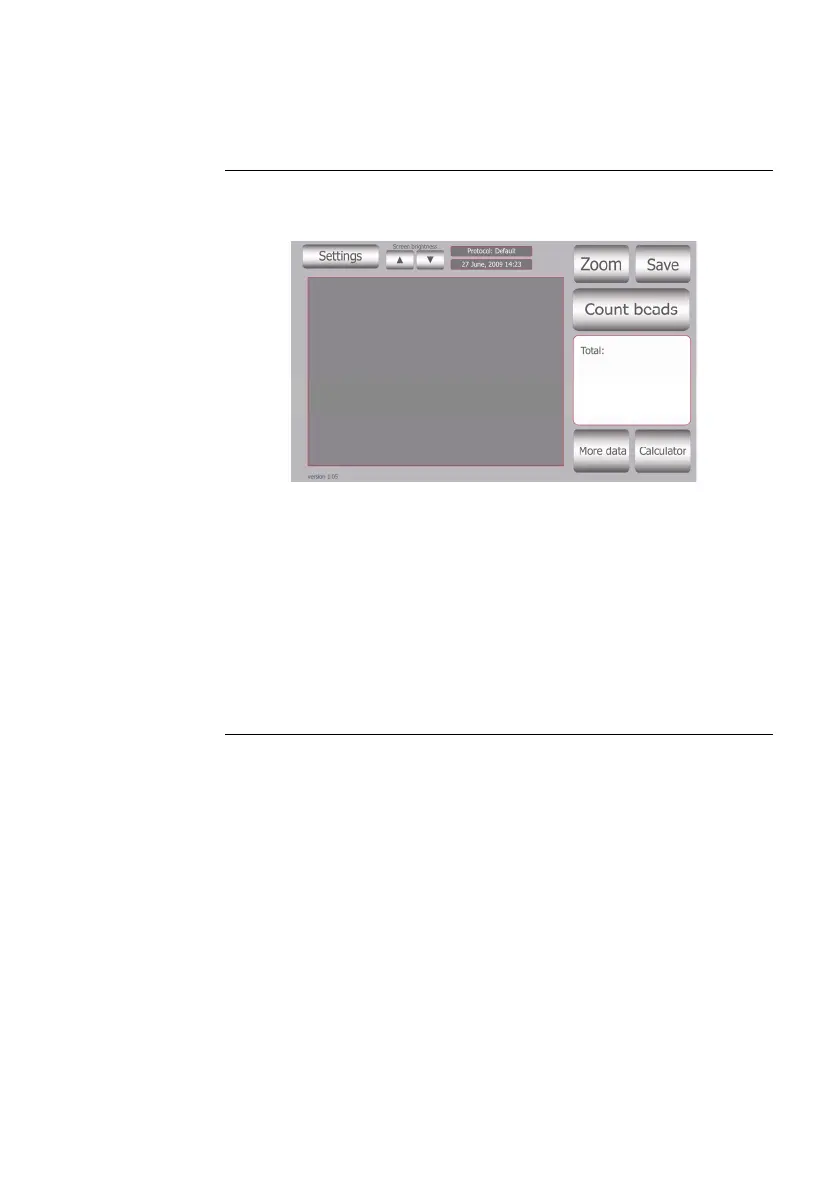
8. When you are satisfied with the image, press the Count Beads
button.
9. The instrument takes approximately 30 seconds to count each
sample and the bead count is displayed on the screen. Record
the bead count.
10. To count beads in the other side of the slide chamber (side B),
remove the slide after side A is counted, turn the slide around,
and reinsert into the slide inlet to repeat the counting
procedure.
11. After counting beads, place instrument into Cell Count mode
for counting cells by pressing Settings button and then
pressing the Cells button.
18



 To Next Page