ION Audio Block Rocker
®
User Guide 13
L
ight Modes
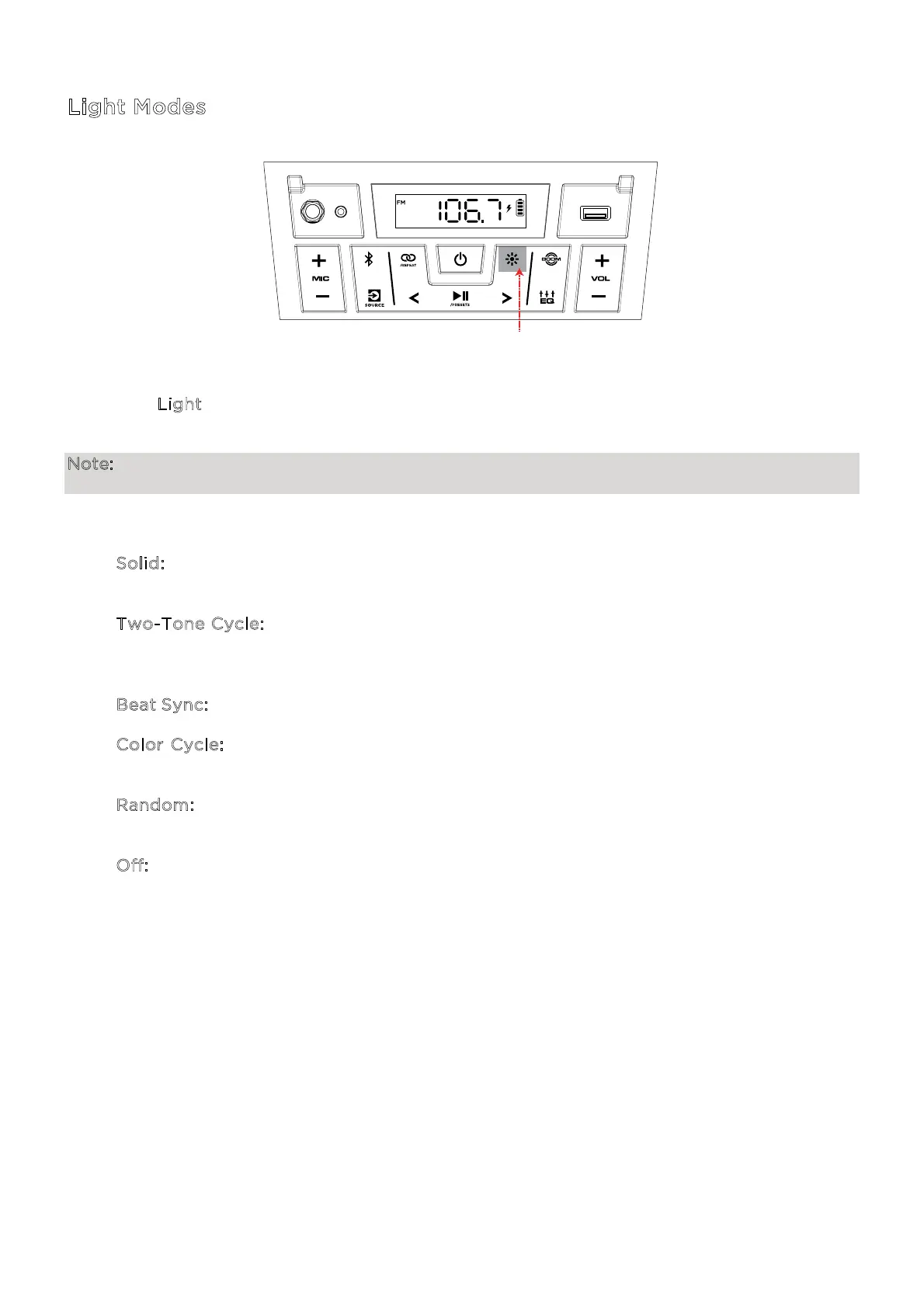
Press the L
ight button repeatedly to toggle between one of the 5 light modes on Block
Rocker®.
Note: For the best lighting eect, you may need to increase the volume of your connected
device or input source.
The LED light modes are:
• S
olid: All LEDs stay the same color (the color can be adjusted from the ION Sound
Control™ app). The default color is blue unless changed in the ION Sound Control™ app.
• T
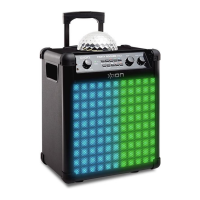
wo-Tone Cycle: The left-side LEDs are lit with one color while the right-side LEDs are
lit with a neighboring color in the color spectrum. The colors slowly fade through the
color spectrum.
• B
eat Sync: All LEDs cycle through the color spectrum in sync with the beat of the music.
• C
olor Cycle: All LEDs fade in and out starting with one color and cycling through the
color spectrum.
• R
andom: The LEDs randomly change to use one of these light modes: Two-Tone, Beat
Sync, or Color Cycle.
• O
ff: All LEDs are o.
PRESS




 To Next Page