ION Audio Block Rocker
®
User Guide 16
U
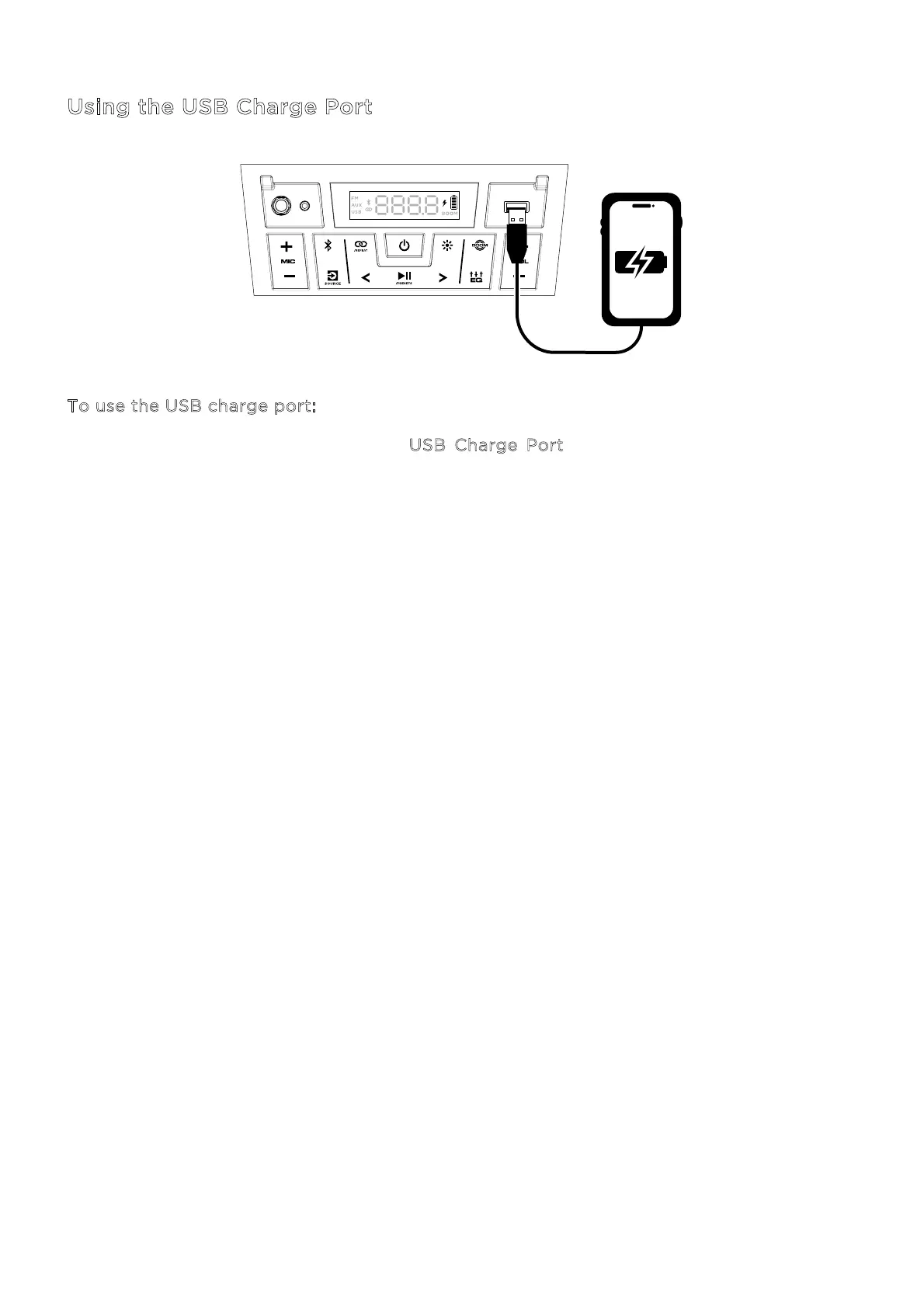
sing the USB Charge Port
To use the USB charge port:
1. Connect a USB type-A cable to the U
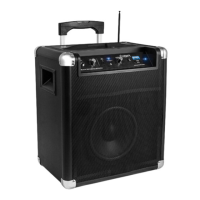
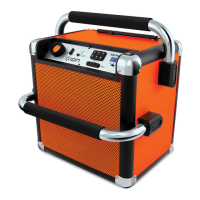
SB Charge Port on the front panel of your Block
Rocker® speaker (see image).
2. Connect the other end of the cable to the charging input on your smartphone, tablet, or
other compatible device.




 To Next Page