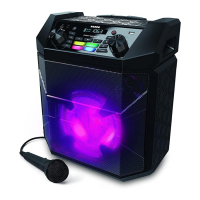
ION Audio Uber™
Boom User Guide 12
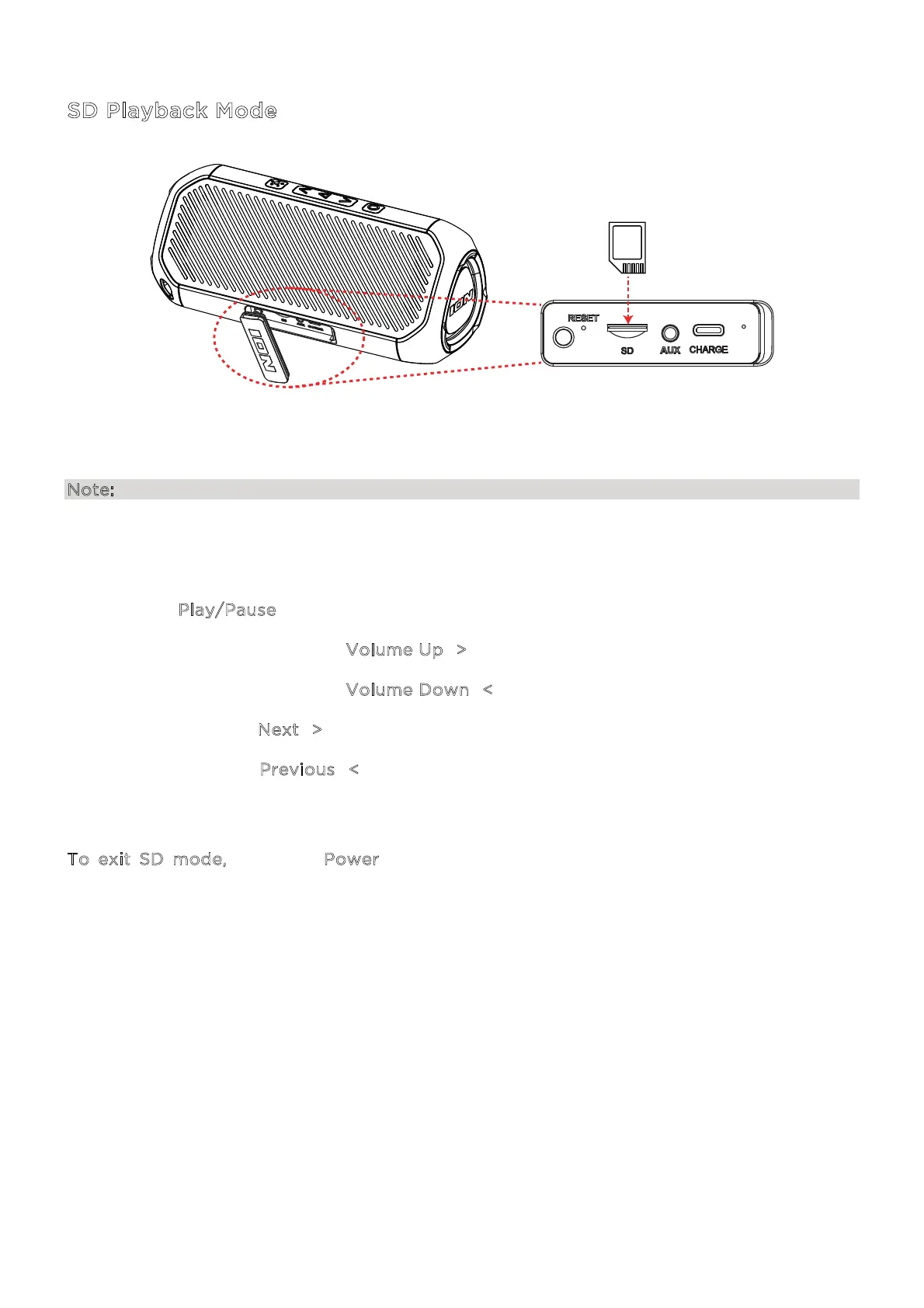
SD Playback Mode
Connect a microSD card to the SD Card Slot in the connection port on Uber
TM
Boom. SD Mode
will be automatically selected, and music files will begin playing.
Note: Uber
TM
Boom supports microSD cards in FAT32 format up to 32 GB in size.
While in USB playback mode, you can use the following buttons on the front panel to control
playback:
• Press the P
lay/Pause button to play or pause the current track.
• Press and quickly release the V
olume Up (>) button to increase the volume.
• Press and quickly release the V
olume Down (<) button to decrease the volume.
• Press and hold the N
ext (>) button for two seconds to skip to the next track.
• Press and hold the P
revious (<) button for two seconds to revert to the beginning of the
current track. Repeat this action within one second to skip to the previous track.
To exit SD mode, press the Power button to switch to Bluetooth or Aux playback (if an
auxiliary device is connected). Alternatively, remove the microSD card to return to the
previous mode (Bluetooth or Aux).


 To Next Page