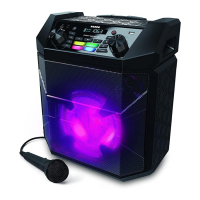
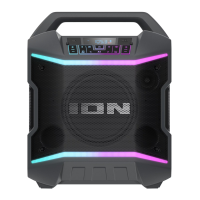
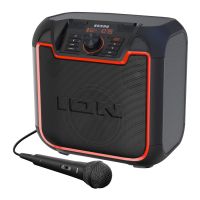
ION Audio Uber™
Boom User Guide 4
Outdoor Use and Care
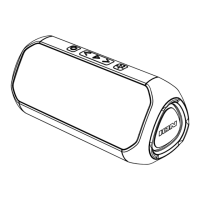
Though Uber
TM
Boom is water-resistant and able to tolerate splashing water, please review
the tips below to get the best performance from your Uber
TM
Boom:
•
Bring Uber
TM
Boom indoors during extreme weather.
•
Please do not place Uber
TM
Boom in standing water or puddles.
•
Please do not attempt to charge Uber
TM
Boom in a wet environment. Make sure the
charging input, USB cable, power adapter, and power outlet are all completely dry before
making any connections.
•
WARNING: Keep any non-water-resistant devices (phones, music players, etc.) in a dry
place where they will not be aected by water and cause a risk of electric shock.
Charging and Battery Information
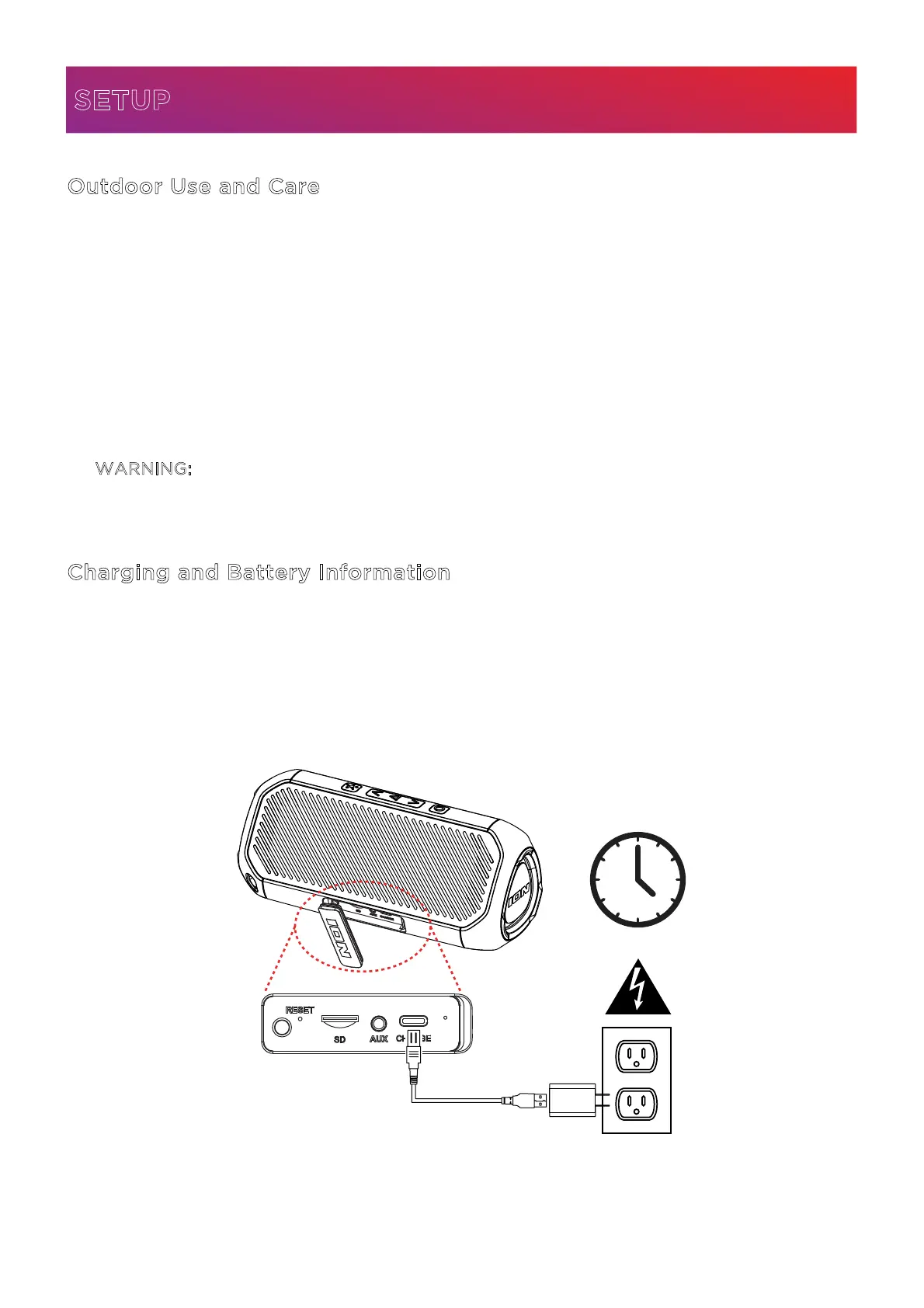
For the quickest charging time, power o Uber
TM
Boom and use the included USB-A to USB-
C® cable to connect the USB-C® charging port on the rear panel of the speaker to a USB power
adapter (DC 5V 2A, not included) connected to a power outlet, or your computer (powered
on). A full charge can take up to 4.5 hours, depending on the specifications of your 5V, 2A
adapter.
SETUP
Rear Panel
4.5 Hours


 To Next Page