ION Audio Uber™
Boom User Guide 9
Bluetooth Call Answering
Uber
TM
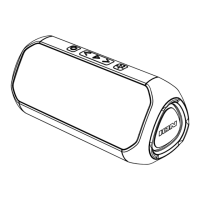
Boom can receive incoming calls and act as a speakerphone for connected Bluetooth
devices.
T
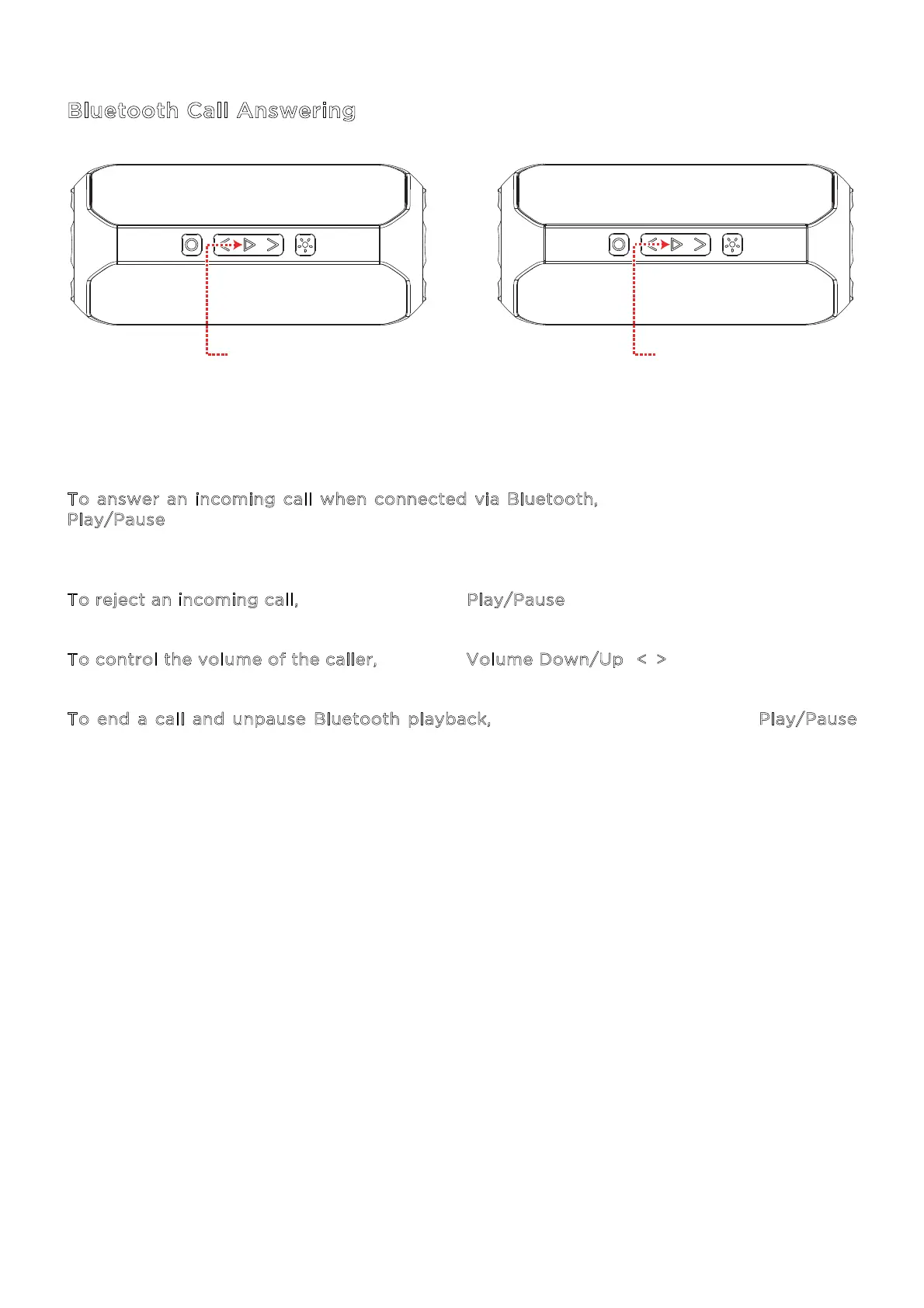
o answer an incoming call when connected via Bluetooth, quickly press and release the
P
lay/Pause button. Incoming calls will pause Bluetooth audio and play the device’s ringtone
until the call is either answered or rejected.
T
o reject an incoming call, press and hold the Play/Pause button for two seconds.
T
o control the volume of the caller, press the Volume Down/Up (</>) buttons.
T
o end a call and unpause Bluetooth playback, quickly press and release the Play/Pause
button again.
PRESS TO ANSWER
AND HANG UP
PRESS & HOLD
TO REJECT


 To Next Page