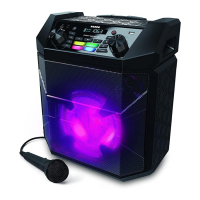
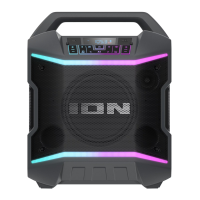
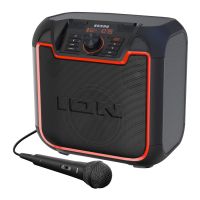
ION Audio Uber™
Boom User Guide 13
Light Modes
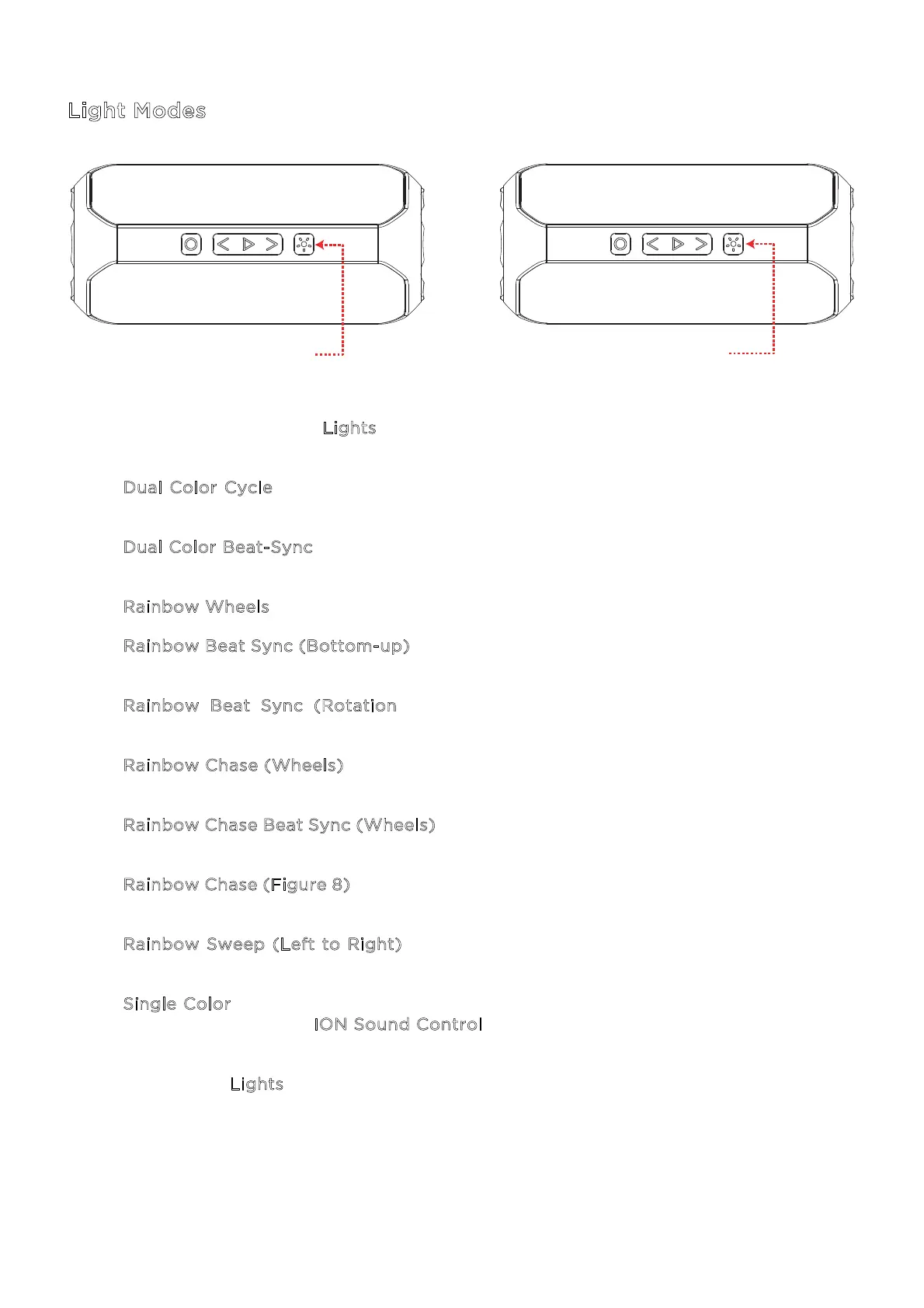
Press and quickly release the L
ights button to cycle through 10 light mode selections, listed
below:
1. D
ual Color Cycle – The colors start on Red/Orange and slowly changes colors every
three seconds.
2. D
ual Color Beat-Sync - Same as Dual Color Cycle, except LEDs animate from outside
to in and sync to the beat of the music.
3. R
ainbow Wheels - The full colors of the rainbow slowly rotate in a clockwise circle.
4. R
ainbow Beat Sync (Bottom-up) – The LEDs animate with all colors from the bottom-
up and sync to the beat of the music.
5. R
ainbow Beat Sync (Rotation) - The LEDs animate with all colors and rotate in
dierent directions at dierent speeds depending on the beat.
6. R
ainbow Chase (Wheels) - The LEDs animate in all colors and move around in a circle
clockwise.
7. R
ainbow Chase Beat Sync (Wheels) - The LEDs animate in all colors and move around
in a circle in sync to the beat of the music.
8. R
ainbow Chase (Figure 8) - The LEDs animate in all colors and move around one circle
and then cross over to the other at the midpoint.
9. R
ainbow Sweep (Left to Right) – The LEDs activate from left to right in a sweeping
motion, with the colors mirrored on each speaker.
10. S
ingle Color – A single color is displayed, beginning with Orange by default. You can
adjust the color in the I
ON Sound Control
TM
app.
Press and hold the L
ights button to turn the lights o.
PRESS TO CYCLE
BETWEEN LIGHT MODES
PRESS & HOLD
TO TURN LIGHTS OFF


 To Next Page