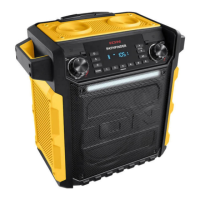
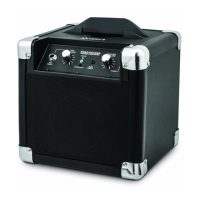
ION Audio Uber™
Boom User Guide 16
If you experience audio dropouts while playing music from a Bluetooth device, this may be
happening because your unit is trying to link to another speaker. This can occur if you power
off a speaker that was linked to your unit or if you have just turned on your unit and it is in
Stereo-Link
TM
mode. To stop the audio dropouts, exit Stereo-Link
TM
mode by pressing and
holding the Play/Pause button for four seconds. Alternatively, you can wait for your unit to
link to another speaker if there is one within range.
If there is a delay in the audio signal between the left and right speakers when linked, break
the link by pressing and holding the Play/Pause button for four seconds, and pair them again
following the instructions in the Operation > Stereo-Link
TM
: Syncing Between Two Speakers
section.
If Uber
TM
Boom behaves abnormally, insert a paper clip into the Reset hole in the connection
ports panel and gently push it until the unit resets.


 To Next Page